
The Definitive Guide to Launching and Optimizing a Facebook Business Page in 2026
In the digital landscape of 2026, a Facebook Business Page remains one of the most vital assets for any organization, brand, or public figure. With over 3.07 billion monthly active users, Facebook serves not merely as a social network, but as a critical discovery engine. For businesses, a Page provides the essential infrastructure required to transform casual interest into measurable growth, offering a suite of professional tools for advertising, analytics, and community management.

As the platform evolves, the focus for marketers has shifted from simple broadcasting to the construction of meaningful, segmented communities. Whether you are a local boutique or a global enterprise, establishing a professional presence on Facebook is the first step toward digital credibility.

The Strategic Value of a Business Page
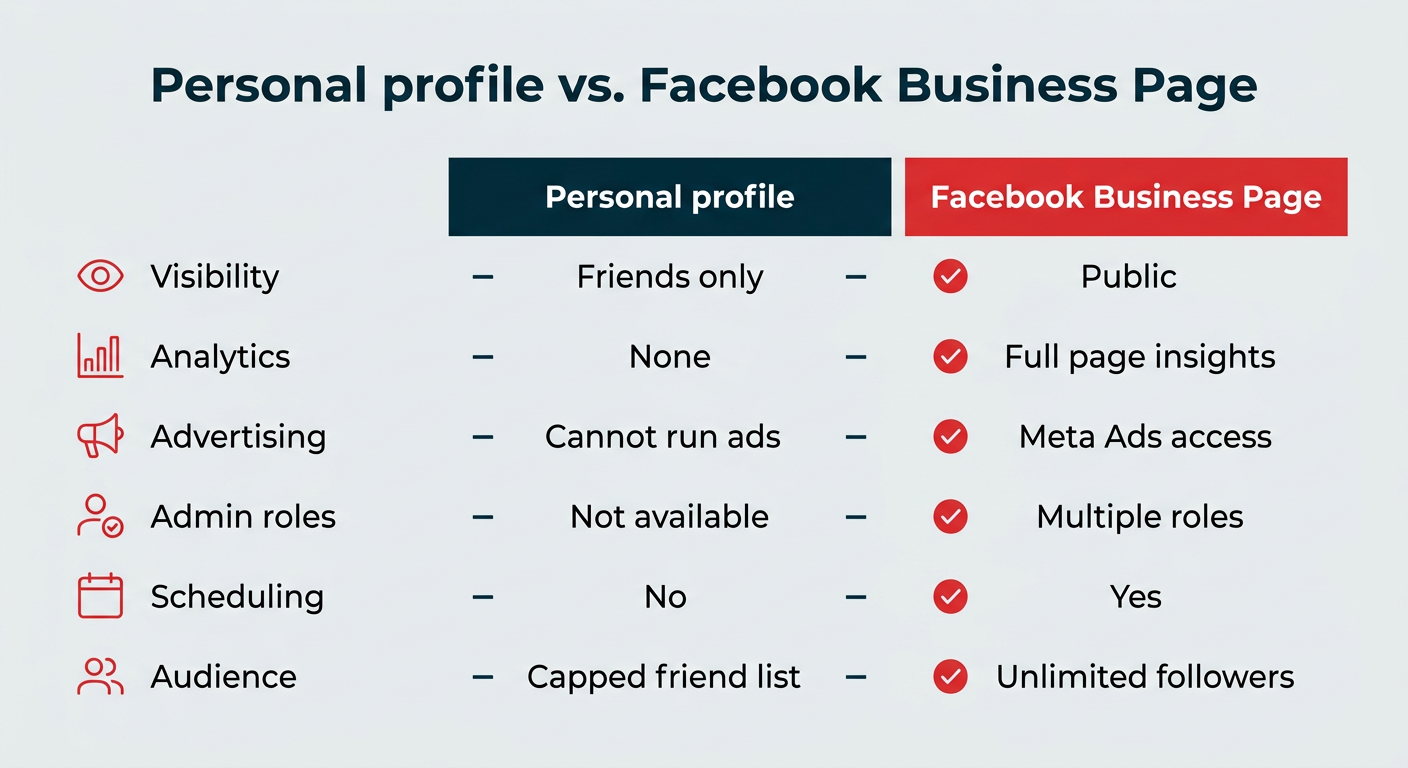
A Facebook Business Page is a free, public profile designed to act as your brand’s headquarters on the platform. Unlike a personal profile, which is limited by friend requests and privacy settings, a Business Page is discoverable by the entire Facebook ecosystem.
Key advantages include:
- Professional Analytics: Access to "Insights" that reveal audience demographics, engagement patterns, and post performance.
- Advertising Integration: Full access to the Meta Ads Manager, allowing for hyper-targeted campaigns.
- Collaborative Permissions: The ability to grant specific access levels to team members, agencies, or moderators without sharing login credentials.
- Customer Interaction: Robust messaging tools and the ability to integrate with CRM systems to manage customer queries at scale.
Understanding the Distinction: Profile vs. Page
A common misconception among new business owners is the belief that they can—or should—create a second "personal" account to manage their business. This is a violation of Facebook’s Terms of Service. Every Business Page must be anchored to a legitimate personal profile.
However, it is crucial to understand that your personal data remains strictly separate. Your friends, personal posts, and private photos are never visible on your business page. The personal profile acts strictly as the "key" to the lock, providing the security and administrative framework necessary to govern the business entity.
| Feature | Personal Profile | Business Page |
|---|---|---|
| Visibility | Friends/Followers | Public (Open) |
| Analytics | None | Full Insights Suite |
| Advertising | Restricted | Full Ad Manager Access |
| Management | Individual | Multiple Admin Roles |
| Audience | Capped Friend List | Unlimited Followers |
A Step-by-Step Guide to Setup (2026 Standards)
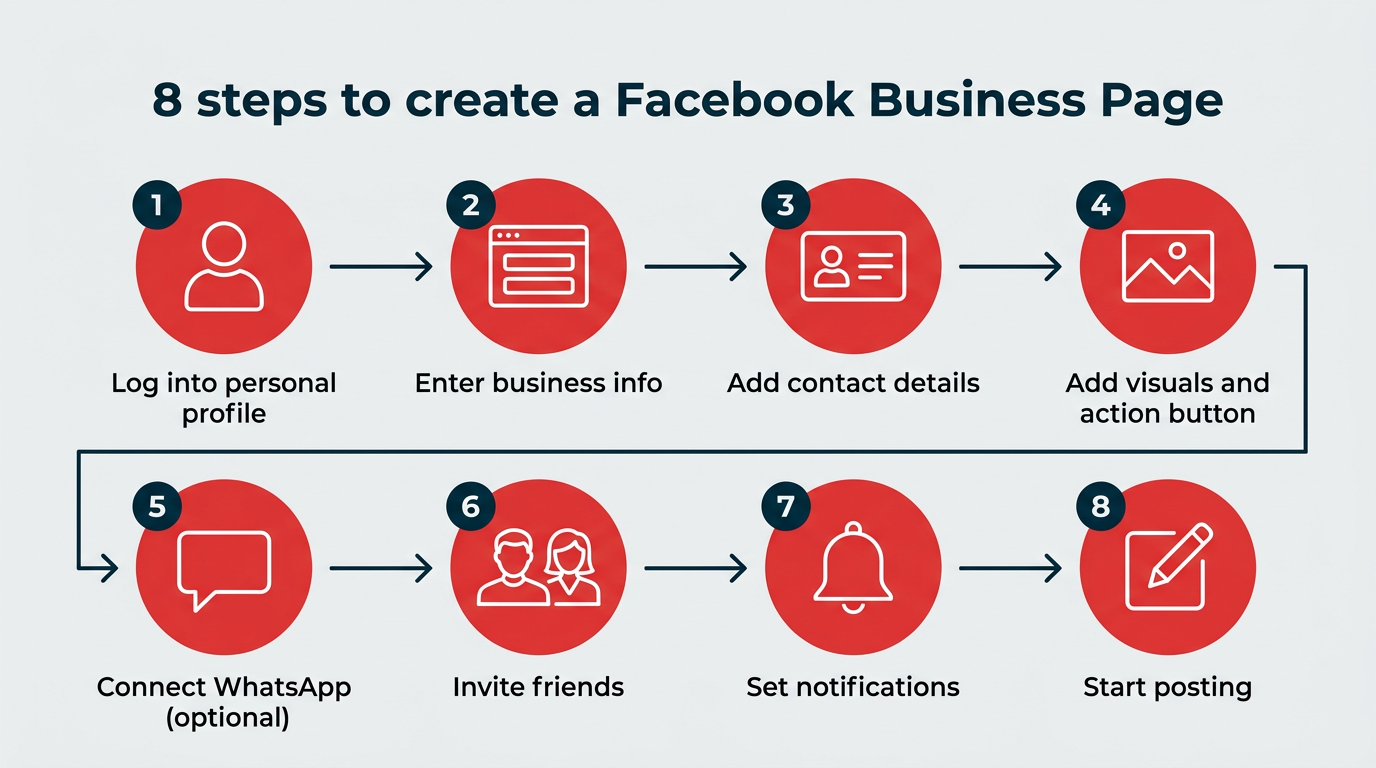
Setting up your presence should take roughly 10 minutes. Follow these eight steps to ensure your page is optimized for maximum visibility and engagement.
1. Account Authentication
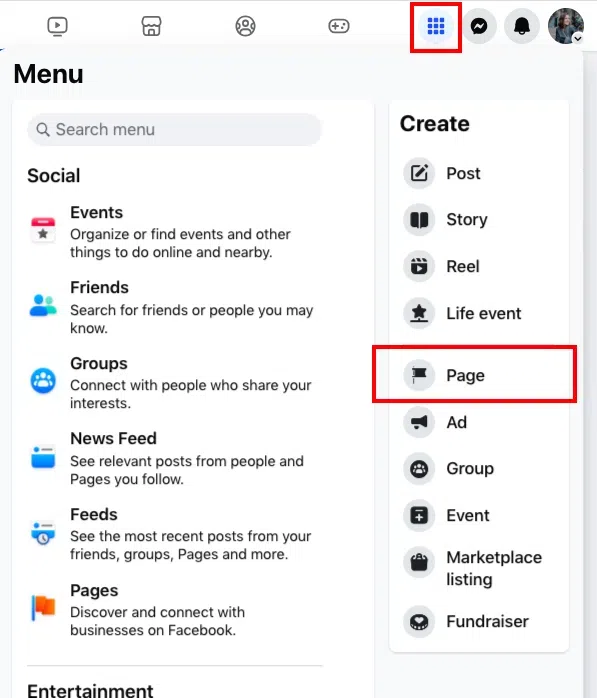
Log into your existing personal Facebook account. Navigate to the "Pages" section in the left-hand menu and select "Create New Page." Remember, your personal identity remains invisible to the public on this new page.
2. Business Identity & Categorization
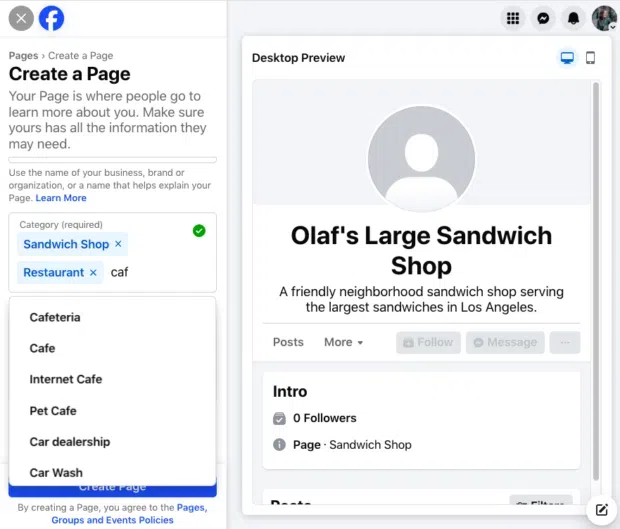
Input your official business name. For the category, be precise; selecting up to three relevant categories (e.g., "Restaurant," "Consulting Agency," or "Retailer") helps Facebook’s algorithm show your page to the right users.
3. Contact Infrastructure
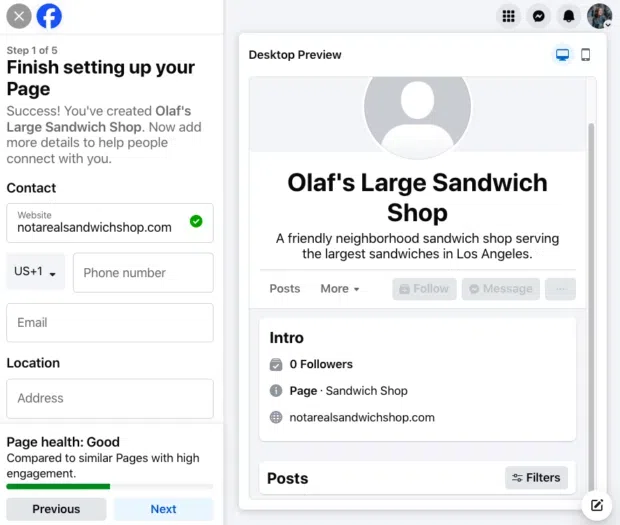
Public trust is built on transparency. Provide a verified website, phone number, and physical address if applicable. If you are a digital-only brand, you may skip physical location details, but ensure your contact email is current.
4. Visual Branding & Call-to-Action (CTA)
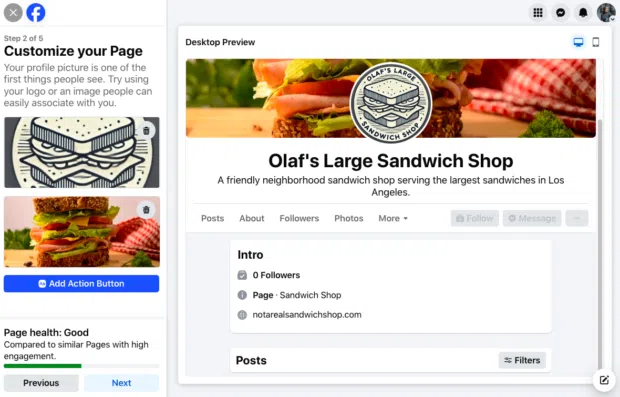
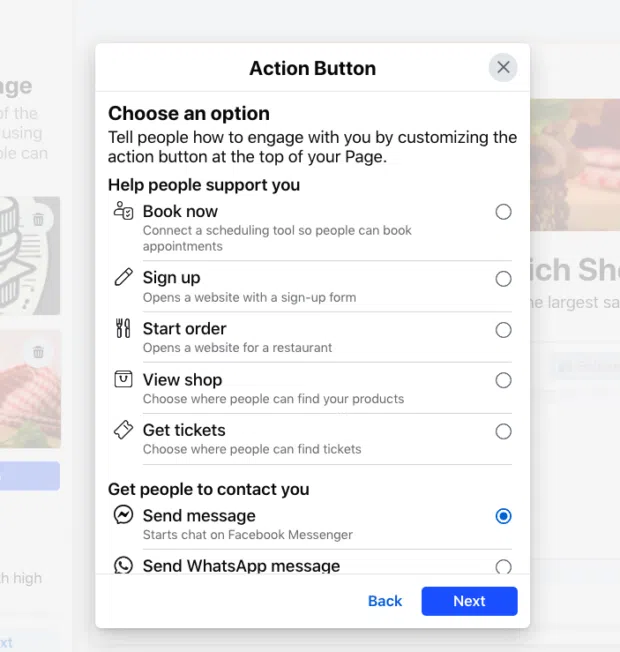
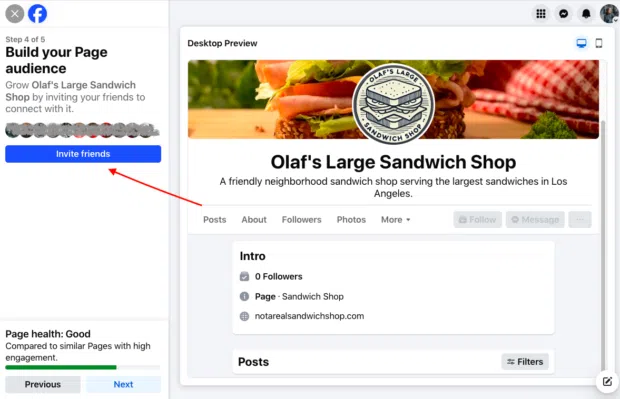
First impressions are everything. Your profile picture should be your brand logo, cropped for a circular display (320×320 pixels is the recommended size). Your cover photo should act as a billboard—use it to highlight current promotions, seasonal offers, or your brand’s mission statement. Crucially, set up your "Action Button"—this is your primary conversion tool, whether it’s "Book Now," "Shop Now," or "Contact Us."
5. Integrating Communication Channels
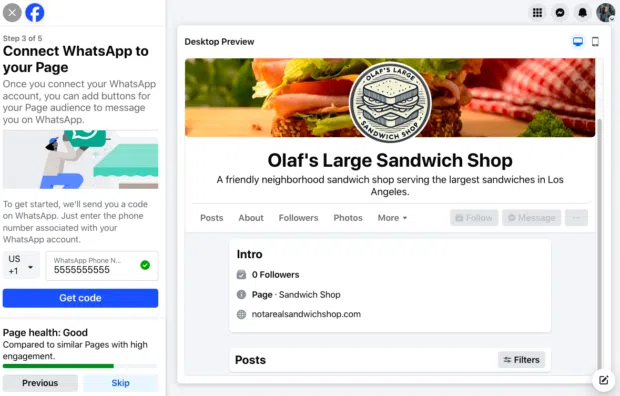
If your business relies on rapid-fire communication, connect your WhatsApp Business account. This enables a direct link for customers to message you, significantly shortening the path to purchase.
6. Audience Development
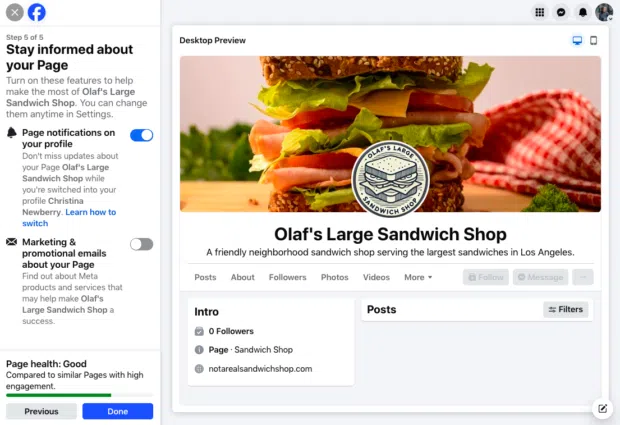
Invite your existing network to like your page. This "seeding" of your audience provides the initial social proof that encourages new visitors to trust your brand.
7. Notification Configuration
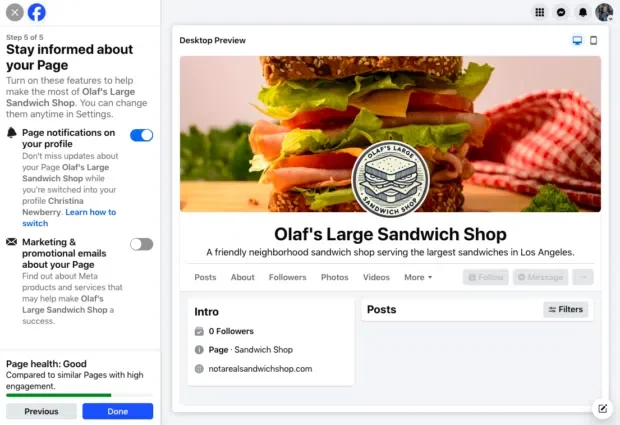
Stay informed by enabling Page notifications. This ensures you receive alerts for comments, messages, and mentions, allowing you to respond in real-time even when you are logged into your personal profile.
8. The First Post
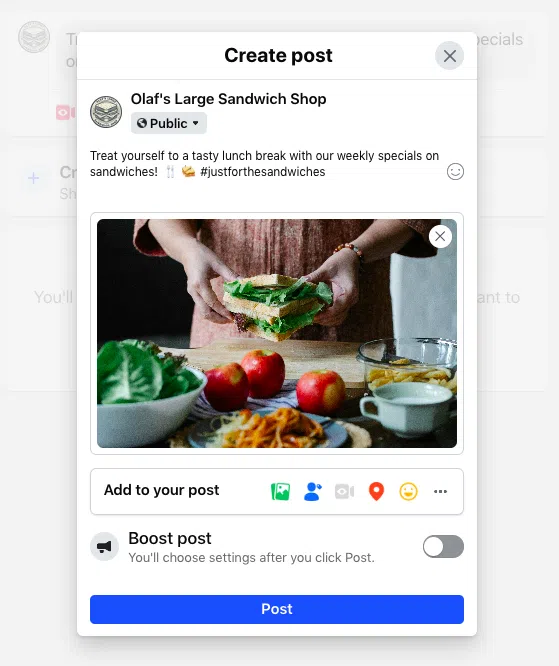
Do not leave your page blank. Launch with a high-quality video or a compelling image post. As of 2026, video content—specifically Reels—drives the highest engagement rates on the platform.
Scaling Through Community Management
The most successful brands in 2026 are those that treat their pages not as a megaphone, but as a community hub.
Leveraging Facebook Groups
Industry experts suggest linking a private or public Facebook Group to your main page. While your Page is for brand news and broad updates, your Group is for peer-to-peer discussion. This two-tier structure allows you to build a loyal "micro-community" that is significantly more likely to convert into long-term customers.
The Power of Hyper-Local Targeting
Even for global brands, local relevance is a major driver of engagement. Use your Page to post content specific to neighborhoods, cities, or local events. By highlighting local partnerships or community involvement, you increase the likelihood of your content being shared organically within those specific geographic clusters.
Real-Time Engagement
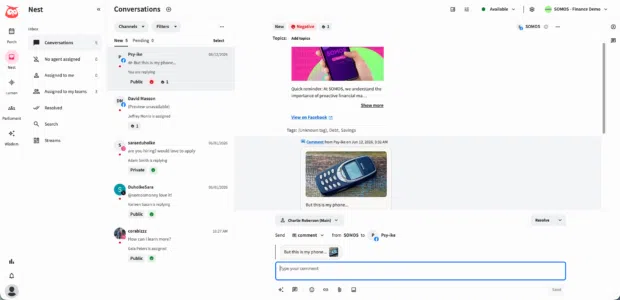
"Going Live" remains one of the most effective ways to humanize your brand. Authentic, unscripted interaction builds trust. Furthermore, many brands are seeing a 40% increase in conversion rates when utilizing "Live Shopping" events, where experts demonstrate products and answer consumer questions in real-time.
Administrative Management & Security
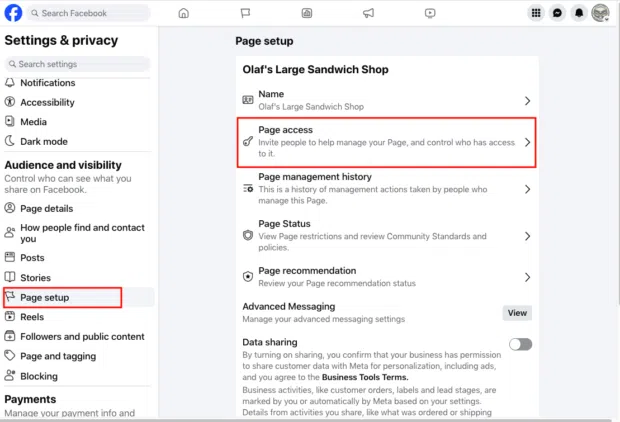
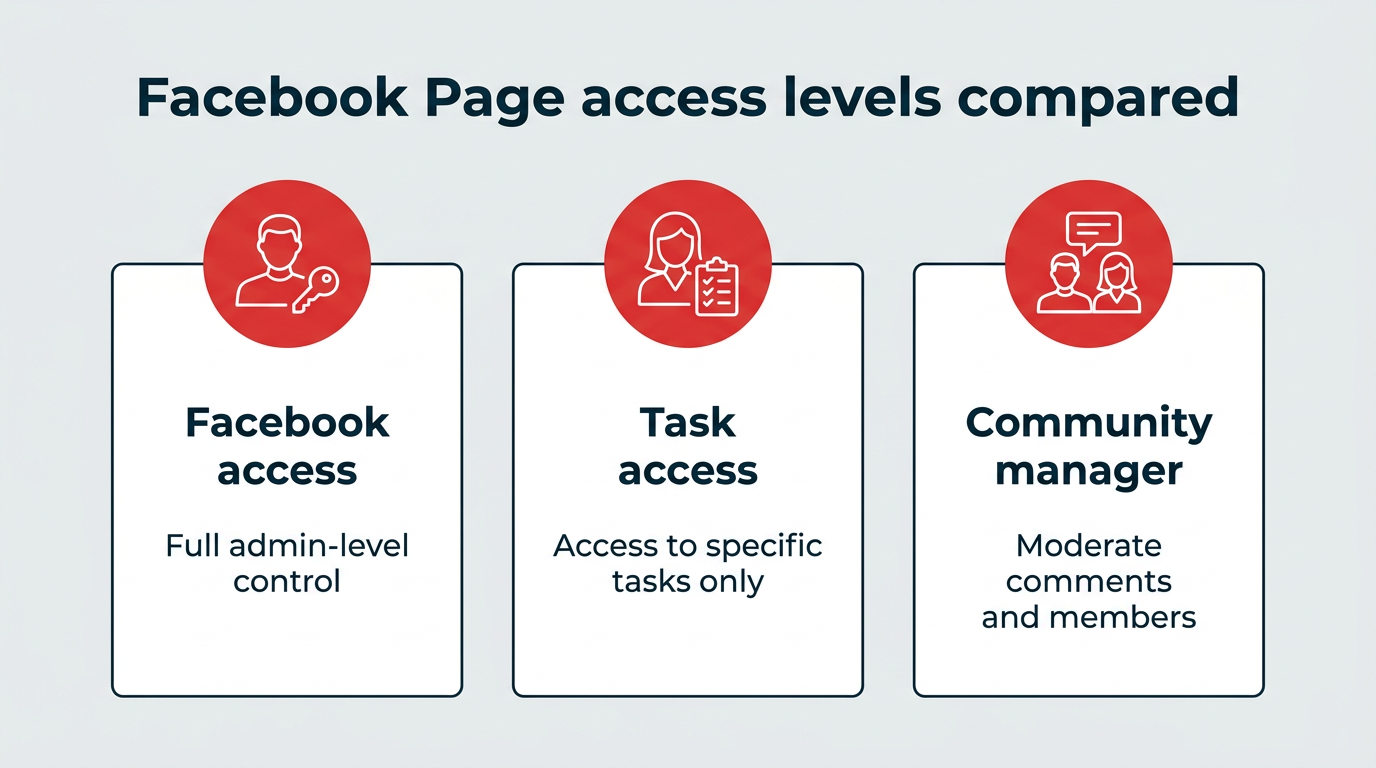
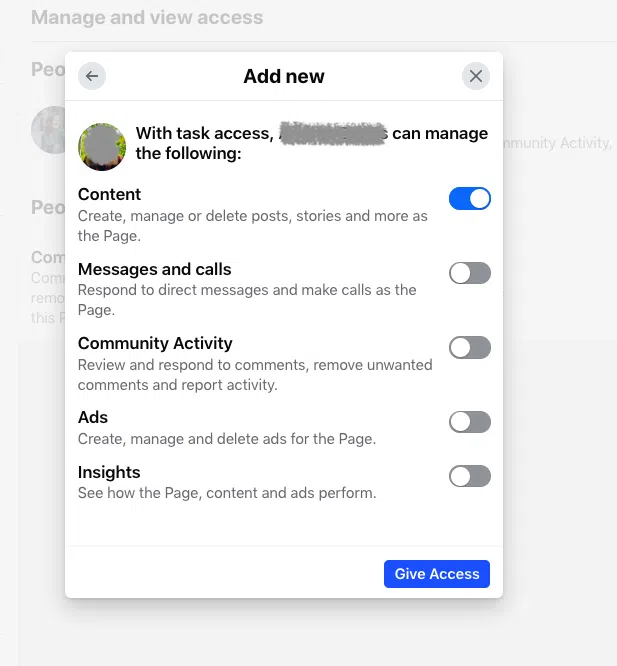
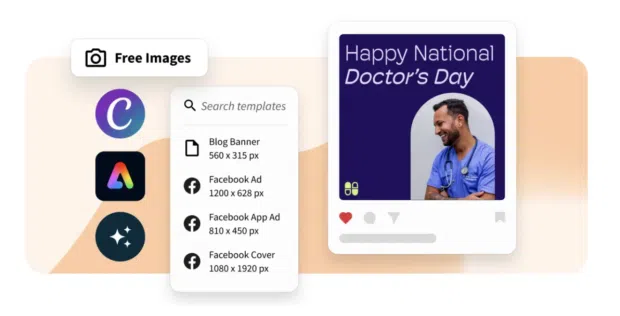
As your team grows, you will need to delegate responsibilities. The "Page Access" settings in your Meta Business Suite allow for granular control. You can assign roles such as "Content Creator," "Moderator," or "Advertiser."
- Content Access: Allows team members to create posts without full administrative control.
- Community Management: Ideal for moderators who handle comments and messages but do not need to alter page settings.
- Insights Access: Provides analytical data to your marketing team without granting publishing rights.
Always follow the principle of "least privilege"—grant team members only the access they need to perform their specific functions.
Advanced Optimization & Analytics
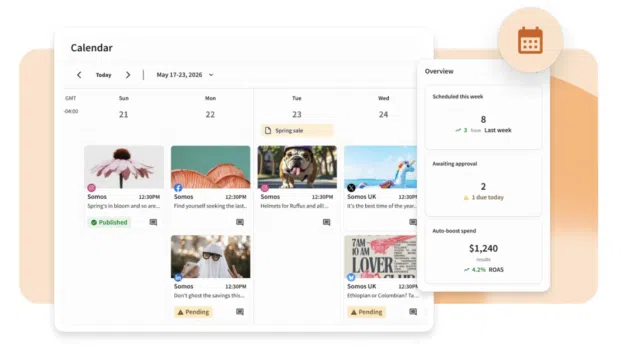
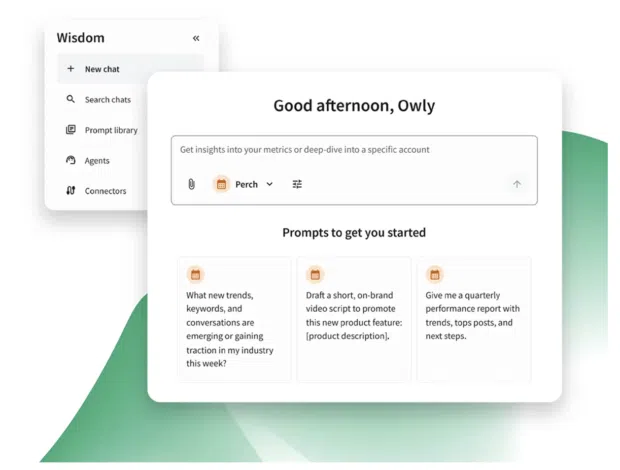
In the current ecosystem, manual management is often insufficient for growth. Sophisticated tools like Hootsuite have become standard for mid-to-large enterprises.
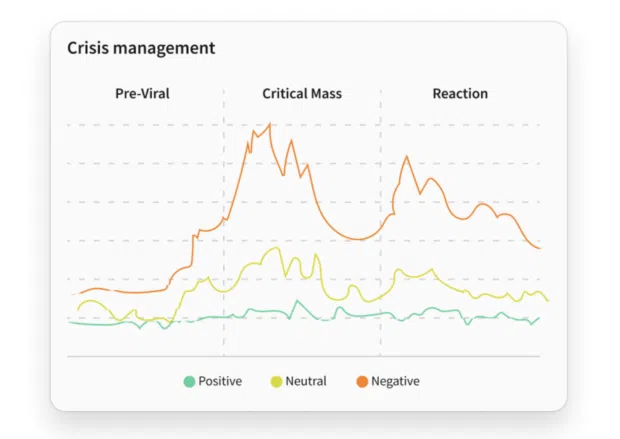
Social Listening
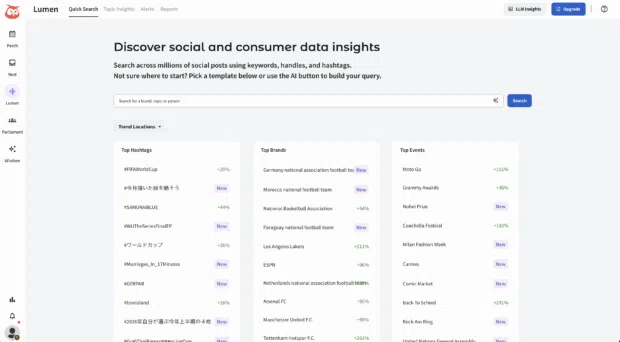
Social listening involves monitoring digital conversations about your brand, competitors, and industry hashtags. By identifying shifts in sentiment before they become trends, you can adjust your strategy in real-time.
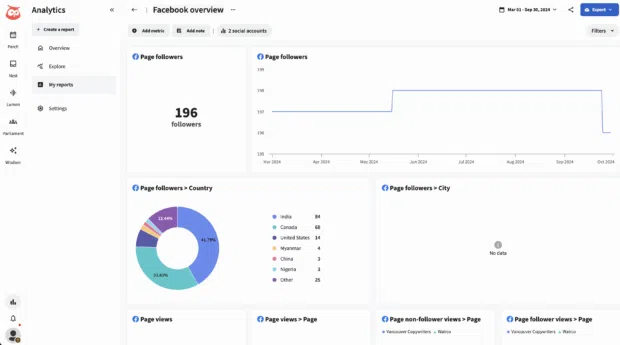
Data-Driven Scheduling
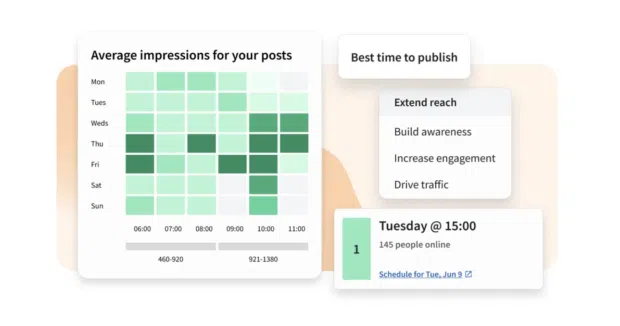
The "Best Time to Publish" feature is no longer a luxury; it is a necessity. Algorithms prioritize content that receives immediate engagement. By utilizing analytics to determine exactly when your audience is active, you ensure your content is delivered at the moment of highest potential impact.
AI-Assisted Content Creation
AI tools have revolutionized the pace of production. Whether it is generating captions, brainstorming campaign themes, or repurposing long-form blog content into punchy Facebook posts, AI helps maintain a consistent cadence without sacrificing quality.

Official Stance & Verification
For businesses concerned with brand protection, Meta offers "Meta Verified for Businesses." This paid subscription provides a verified badge, which serves as a powerful signal of authenticity. It also provides access to enhanced customer support and proactive impersonation monitoring. To qualify, businesses must provide official documentation, such as a business license or utility bill, and meet specific activity thresholds.
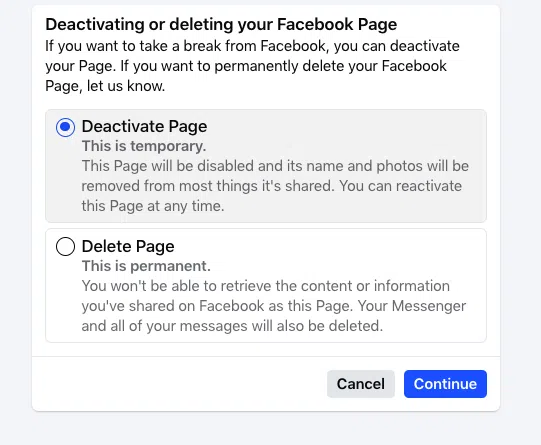
Implications for the Future
The Facebook Business Page of 2026 is a sophisticated, multi-faceted tool. As we move deeper into an era of AI-driven marketing and social-first commerce, the barrier to entry remains low, but the threshold for success has risen. The brands that win are those that move beyond simple posting and toward a strategy defined by community, responsiveness, and data-backed precision.

By integrating your page into a broader, automated social strategy—using tools to listen, measure, and optimize—you turn a simple social profile into a high-performance engine for brand loyalty and revenue generation. The platform is ready; the tools are available. The final step is consistent, intentional execution.
