

The End of an Era for Omnichannel Retail: Why Merchants Are Leaving Lightspeed eCom—and the 5 Best Alternatives for 2026
For years, Lightspeed eCom stood as a reliable bridge between physical storefronts and digital commerce. Designed specifically to wire brick-and-mortar operations directly into the Lightspeed Retail point-of-sale (POS) ecosystem, it offered physical retailers a centralized hub to sync inventory, manage customers, and process transactions across channels.
However, the retail landscape has shifted dramatically. Today’s merchants face rising overhead costs, fierce digital competition, and rapidly evolving consumer expectations. For many growing brands, Lightspeed eCom has become a bottleneck. Its pricing climbs steeply as businesses add locations and registers; its online storefront tools lag behind dedicated e-commerce builders; and its architecture fundamentally favors physical retail over online-first brand building.
Compounding these frustrations, Lightspeed has restructured its product offerings, phasing out standalone eCom packages and bundling them into the much costlier Lightspeed Retail subscription tier (which starts at $89 per month billed annually for basic plans, with Core and Plus tiers climbing significantly higher).
If your business has outgrown Lightspeed’s pricing structure or requires more powerful digital storefront tools, you are not alone. After evaluating the leading e-commerce platforms across pricing, sales features, point-of-sale integration, design flexibility, and ease of use, we have shortlisted five top-tier Lightspeed eCom alternatives designed to help your store scale.

The Core Problem: Why Retailers Are Outgrowing Lightspeed eCom
To understand why merchants are migrating away from Lightspeed, it helps to examine the core economic and operational friction points driving them away:
- Aggressive Pricing Scaling: While Lightspeed’s entry-level pricing may seem manageable for a single storefront, costs escalate rapidly once you introduce multiple locations, additional registers, or advanced reporting features.
- The End of Standalone Plans: Lightspeed eCom is no longer sold independently. It is tightly coupled with Lightspeed Retail, forcing merchants to pay for heavy-duty in-person point-of-sale systems even if their primary growth engine is digital.
- Limited Design and Marketing Tools: Compared to native web builders, Lightspeed’s digital storefront tooling feels rigid. Search engine optimization (SEO), abandoned cart recovery, and content marketing features often require cumbersome workarounds or third-party add-ons.
- Transaction Processing Friction: With Lightspeed Payments charging approximately 2.6% + $0.10 for in-person transactions and 2.9% + $0.30 for online payments, merchants processing high volumes often look for more flexible fee structures.
The Ultimate Comparison: Lightspeed vs. The Top 5 Alternatives
Before diving into individual reviews, examine how the leading platforms stack up side-by-side:
| Platform | Best For | Starting Price (Annually) | Free Plan / Trial | Transaction Fees (Native) | Built-In POS | AI Store Builder |
|---|---|---|---|---|---|---|
| Shopify | All-round online and in-store selling | $29 / month | 3-day trial, then $1/mo for 3 months | 2.9% + $0.30 online (Basic) | Yes (Shopify POS) | Yes |
| Square Online | Budget-conscious retailers | $0 (free plan) | Free plan forever | 2.9% + $0.30 online | Yes (Square POS) | Yes |
| BigCommerce | Large catalogs and scaling stores | $29 / month | 15-day free trial | 0% platform fee on any gateway | Via third-party integrations | Yes |
| WooCommerce | Customization and WordPress users | Free plugin (hosting extra) | Free plugin | 2.9% + $0.30 (WooPayments) | Via extensions | Limited (via plugins) |
| Wix | Beginners and design-led stores | $17 / mo ($29 to sell) | Free plan forever (no selling) | 2.9% + $0.30 (Wix Payments) | Yes (US only) | Yes |
Note: Pricing and fees reflect published US rates at the time of publication and are subject to change.
1. Shopify: Best All-Round Alternative
Overview
Shopify remains the closest like-for-like replacement for Lightspeed eCom. Like Lightspeed, it operates as a unified platform capable of running both your digital storefront and your physical retail registers from a single centralized inventory and customer database.

However, whereas Lightspeed was built brick-and-mortar first, Shopify was built online-first. Consequently, its storefront designs, checkout flows, and digital marketing integrations are substantially more advanced and intuitive.
Pros & Cons
- Pros: Industry-leading checkout speed, massive app and theme marketplace, robust multi-channel selling (social media, marketplaces), and predictable pricing tiers.
- Cons: The page editor utilizes a section-based layout rather than free-form drag-and-drop, which can feel restrictive for ultra-custom designs. Furthermore, app subscriptions can drive up your monthly overhead.
Pricing Structure
Shopify offers tiered plans catering to different business sizes (all rates based on annual billing):
- Starter ($5/mo): Ideal for selling via social media links and messaging apps.
- Basic ($29/mo): Perfect for individual entrepreneurs launching an online store.
- Grow / Shopify ($79/mo): Suited for small businesses scaling up operations with multiple staff accounts.
- Advanced ($299/mo): Built for high-volume merchants needing advanced reporting and lower processing rates.
The Verdict: Shopify wins on overall capability and scalability. If you are migrating away from Lightspeed but still require an integrated physical POS system alongside a powerhouse e-commerce engine, Shopify should be your first port of call.
2. Square Online: Best Budget Alternative for Retailers
Overview
If your primary motivation for leaving Lightspeed is the monthly overhead, Square Online is the most cost-effective alternative on the market. It offers a genuinely free e-commerce plan that integrates natively with Square’s globally trusted free POS software. Small retailers can launch both online and in-person operations for zero monthly platform fees, paying only standard payment processing rates.

Pros & Cons
- Pros: Completely free entry tier, simple setup for local pickup and delivery, seamless synchronization with Square hardware registers.
- Cons: The free plan displays Square branding and does not support a custom domain. Inventory tools are also significantly lighter than Lightspeed’s advanced purchase-order and multi-location tracking systems.
Pricing Structure
- Free ($0/mo): Includes unlimited products, local pickup, and a Square-branded web address.
- Plus ($29/mo): Unlocks custom domain integration, removes Square branding, and adds abandoned cart recovery.
- Premium ($79/mo): Offers lower card processing rates, real-time shipping calculations, and priority technical support.
The Verdict: Square Online is the undisputed champion for lean, local merchants who want to eliminate fixed software costs while maintaining a unified inventory system.
3. BigCommerce: Best for Large Catalogs
Overview
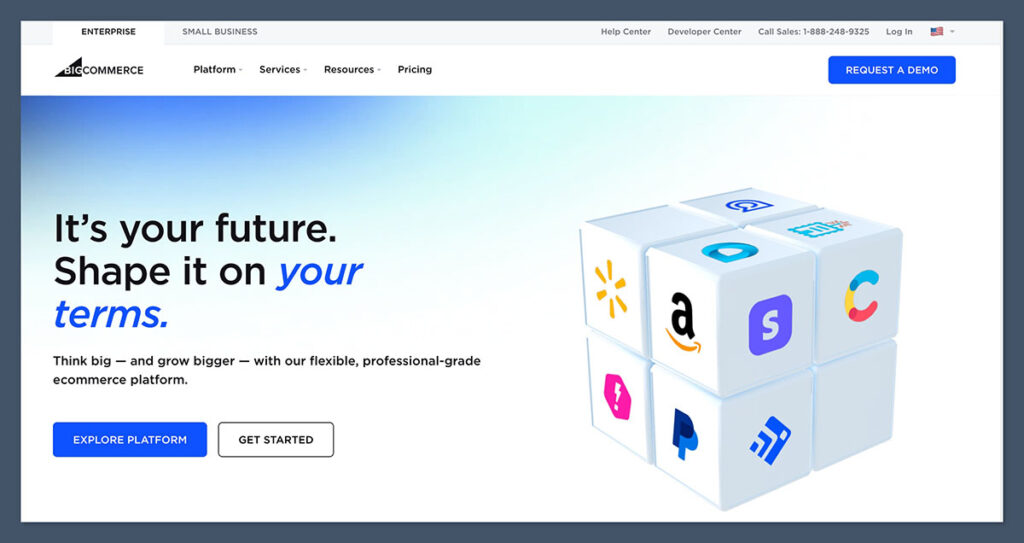
For Lightspeed merchants burdened by massive inventory lists and complex product variants, BigCommerce provides an enterprise-grade solution without enterprise-level complexity. Unlike many competitors, BigCommerce includes advanced features—such as deep product filtering, multi-currency support, and robust B2B wholesale tools—out of the box, rather than locking them behind third-party app paywalls. Crucially, BigCommerce charges zero platform transaction fees regardless of which payment gateway you utilize.
Pros & Cons
- Pros: Native multi-currency and multi-storefront capabilities, exceptional SEO controls, no extra transaction fees on third-party gateways, and robust catalog handling.
- Cons: Lacks a native POS system (requiring third-party integrations for in-store selling), and enforces strict annual sales caps on its standard subscription tiers.
Pricing Structure
- Standard ($29/mo): Supports up to $50,000 in annual online sales.
- Plus ($79/mo): Supports up to $180,000 in annual online sales with customer grouping features.
- Pro ($299/mo): Supports up to $400,000 in annual online sales with custom filter tools.
The Verdict: If your business is heavily focused on digital scale, massive product catalogs, and high transaction volumes, BigCommerce offers unmatched native utility.
4. WooCommerce: Best for Total Customization
Overview
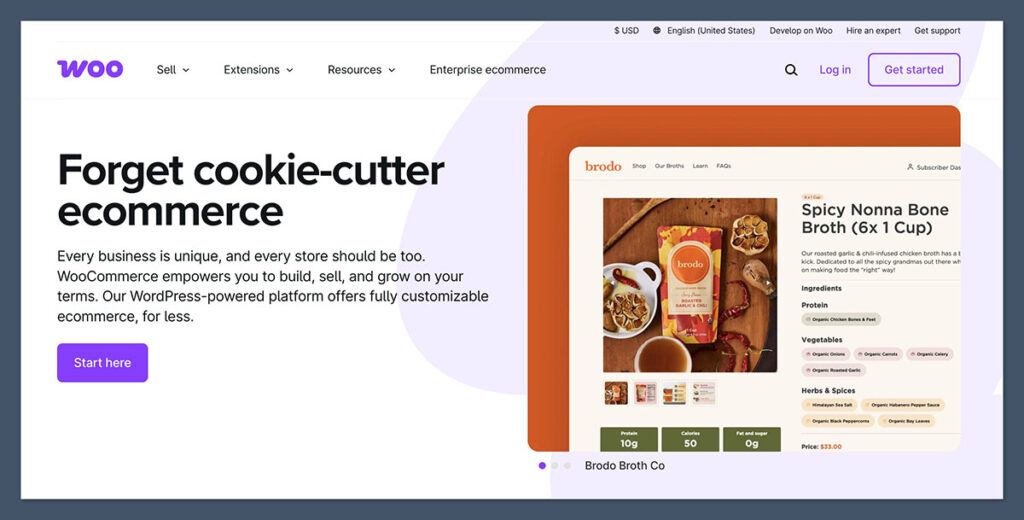
Running on WordPress, WooCommerce is the most customizable and flexible e-commerce platform available. It grants you absolute ownership over your store’s source code, database, and operational architecture. If you already maintain a WordPress content site or demand pixel-level control over your digital storefront, WooCommerce is the natural choice.
Pros & Cons
- Pros: Unlimited design and functional flexibility, zero software licensing fees, complete data ownership, and access to thousands of open-source plugins.
- Cons: You are entirely responsible for your own web hosting, software updates, security hardening, and technical troubleshooting.
Pricing Structure
While the core WooCommerce plugin is 100% free, operating a live store requires budgeting for complementary services:
- Web Hosting: $10 to $40/month (managed hosting recommended).
- Domain Name: $10 to $20/year.
- Themes & Extensions: Variable ($0 to $300+/year depending on specialized tools like subscriptions or advanced bookings).
The Verdict: WooCommerce is a powerful toolkit for technical merchants who find hosted platforms too restrictive and want complete autonomy over their digital infrastructure.
5. Wix: Best for Beginners and Design-Led Brands
Overview
Wix has evolved into a formidable e-commerce contender anchored by its intuitive AI website builder and free-form drag-and-drop editor. It is tailor-made for boutique retailers, artists, and lifestyle brands who prioritize aesthetic presentation, visual storytelling, and integrated client booking systems.
Pros & Cons
- Pros: Incomparable visual design freedom, beginner-friendly AI setup tools, and an all-in-one dashboard housing email marketing, blogging, and store management.
- Cons: Inventory and supply-chain management tools are quite basic compared to Lightspeed; Wix POS is currently restricted to US merchants.
Pricing Structure
- Light ($17/mo): Portfolio/content site (no e-commerce capabilities).
- Core ($29/mo): Entry-level e-commerce plan with 50GB storage and basic sales analytics.
- Business ($36/mo): Unlocks advanced e-commerce tools, multi-currency selling, and automated sales tax calculations.
The Verdict: Wix is ideal for small, design-focused businesses looking for an approachable, beautiful online storefront without a steep technical learning curve.
How to Choose Your Migration Path: 8 Essential Factors
Transitioning away from Lightspeed eCom requires evaluating your business through a strategic lens. Consider the following criteria before making your final selection:
- In-Store vs. Online Priority: Do you make 80% of your sales at a physical register, or is digital commerce your primary growth engine? (Choose Shopify or Square for balanced omnichannel; choose BigCommerce or Wix for digital-first operations).
- Catalog Complexity: How many SKUs, variants, and product categories do you manage?
- Total Cost of Ownership: Look beyond monthly subscription fees to factor in payment processing rates, mandatory app subscriptions, and hosting costs.
- Point-of-Sale Requirements: Do you need barcode scanners, receipt printers, and multi-register sync?
- Design Autonomy: Do you require a simple template, or do you need custom CSS and drag-and-drop flexibility?
- Staff Permissions: How many administrative accounts and granular permission levels do your operations require?
- Scalability Thresholds: Will your platform choice accommodate your projected revenue growth over the next three to five years?
- Migration Complexity: How easy is it to export your existing customer records, product descriptions, and order histories?
Step-by-Step: How to Migrate From Lightspeed eCom
Switching platforms does not mean starting from scratch. All five recommended platforms allow you to import your product catalogs via CSV files or automated migration apps.
- Step 1: Audit Your Data: Export your current product inventory, customer directories, and historical order data directly from Lightspeed. Clean up duplicate or inactive SKUs.
- Step 2: Choose and Configure Your New Platform: Set up your chosen alternative (such as Shopify or BigCommerce), configure your payment gateway, and customize your core layout.
- Step 3: Run a Test Migration: Import a sample batch of products and test your checkout process, tax calculations, and shipping rules end-to-end.
- Step 4: Execute Full Data Transfer: Utilize automated migration tools like Cart2Cart or LitExtension if you are transferring complex customer histories and active subscriptions.
- Step 5: Run Systems in Parallel: Keep your Lightspeed environment running for a short overlap period to verify inventory counts and catch any fulfillment discrepancies before officially canceling your subscription.
Final Takeaways & Recommendations
Migrating away from Lightspeed eCom can feel daunting, but it also represents an invaluable opportunity to upgrade your operational efficiency, lower your monthly overhead, and supercharge your online sales channels.
- Choose Shopify if you want a bulletproof, balanced omnichannel experience with unmatched ecosystem support.
- Choose Square Online if your top priority is eliminating monthly software fees while keeping basic online and in-person sync.
- Choose BigCommerce if you manage massive product inventories and demand zero transaction penalties.
- Choose WooCommerce if you possess technical expertise and demand absolute control over your data and code.
- Choose Wix if you want an aesthetically stunning, beginner-friendly digital storefront focused on design and marketing.
Take advantage of free trials and introductory offers—such as Shopify’s promotional pricing or Square’s permanent free tier—to test-drive your new digital home before closing the chapter on Lightspeed for good.
