
The Definitive Guide to Facebook and Instagram E-commerce Apps (2026 Edition)
In the evolving landscape of digital retail, social commerce has transitioned from a supplementary marketing channel to a primary revenue driver. As of mid-2026, Facebook and Instagram remain the undisputed titans of social discovery, with millions of shoppers using these platforms to find, vet, and eventually purchase products. However, the technical bridge between an online storefront and Meta’s ecosystem is fraught with complexities, from catalog synchronization to the intricacies of server-side ad tracking.
This comprehensive guide evaluates the top 10 e-commerce apps designed to streamline your operations on Facebook and Instagram, ensuring your brand stays visible in a competitive, privacy-conscious digital environment.
The Strategic Importance of Social Commerce
For modern retailers, the "discovery-to-checkout" flow is no longer linear. Data indicates that nearly 40% of social media users now leverage Facebook as a primary tool for product discovery. Furthermore, as of 2025, roughly 29% of Instagram users reported completing a purchase based directly on an in-feed recommendation or creator content.
Despite this, Meta has shifted its model; while it provides the storefront infrastructure, native checkout is largely a thing of the past. Today, these apps serve as essential conduits, syncing your inventory, pricing, and tracking pixels to ensure that when a customer clicks "Buy," they land on a functioning, optimized storefront on your website.
Comparative Analysis of Top E-commerce Tools
Before selecting a provider, sellers must understand the trade-offs between "all-in-one" solutions and specialized tracking tools.
| App | Best For | Pricing (As of June 2026) | G2/Capterra Rating |
|---|---|---|---|
| Ecwid by Lightspeed | First-time sellers/No store | From $29/mo | 4.7 / 4.6 |
| CedCommerce | Shopify All-in-one | Free plan; Paid from $13/mo | 4.8/5 |
| AdTribes | WooCommerce Catalog Sync | Free; Paid from $79.60/yr | 4.7/5 |
| Feedonomics | BigCommerce Native Route | From $29/mo | n/a |
| Meta for Adobe | Magento/Adobe Commerce | Free | 3.9/5 |
| Flexify | Ad Creative/Feed Control | From $29/mo | 4.1/5 |
| Omega Pixel | Shopify Ad Tracking Fixes | From $20.99/mo | 4.8/5 |
| Pixel Manager Pro | WooCommerce Ad Tracking | From $149/yr | 4.9/5 |
| Channable | Large, complex catalogs | From €59/mo | 4.5/5 |
| LitCommerce | Multichannel expansion | From $29/mo | 4.8/5 |
Deep Dive: Top 10 Solutions for Meta Integration
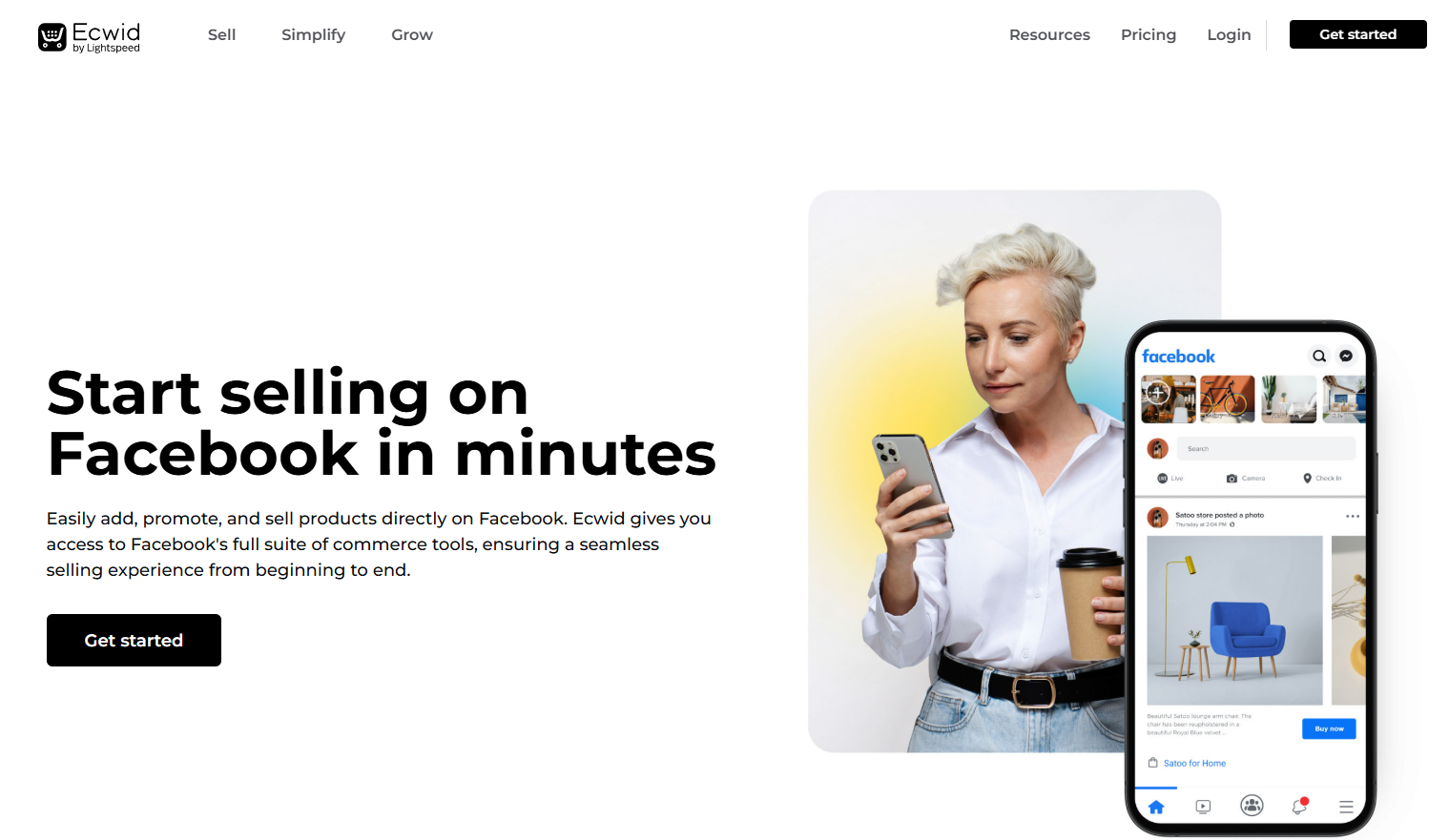
1. Ecwid by Lightspeed: The Independent Merchant’s Choice
Ecwid is unique because it functions as an "embeddable" store. If you do not have a dedicated website, Ecwid allows you to transform a social media page into a fully functional storefront. It is the premier choice for entrepreneurs who want to avoid the overhead of a full-scale ecommerce platform while still maintaining a professional shopping experience.
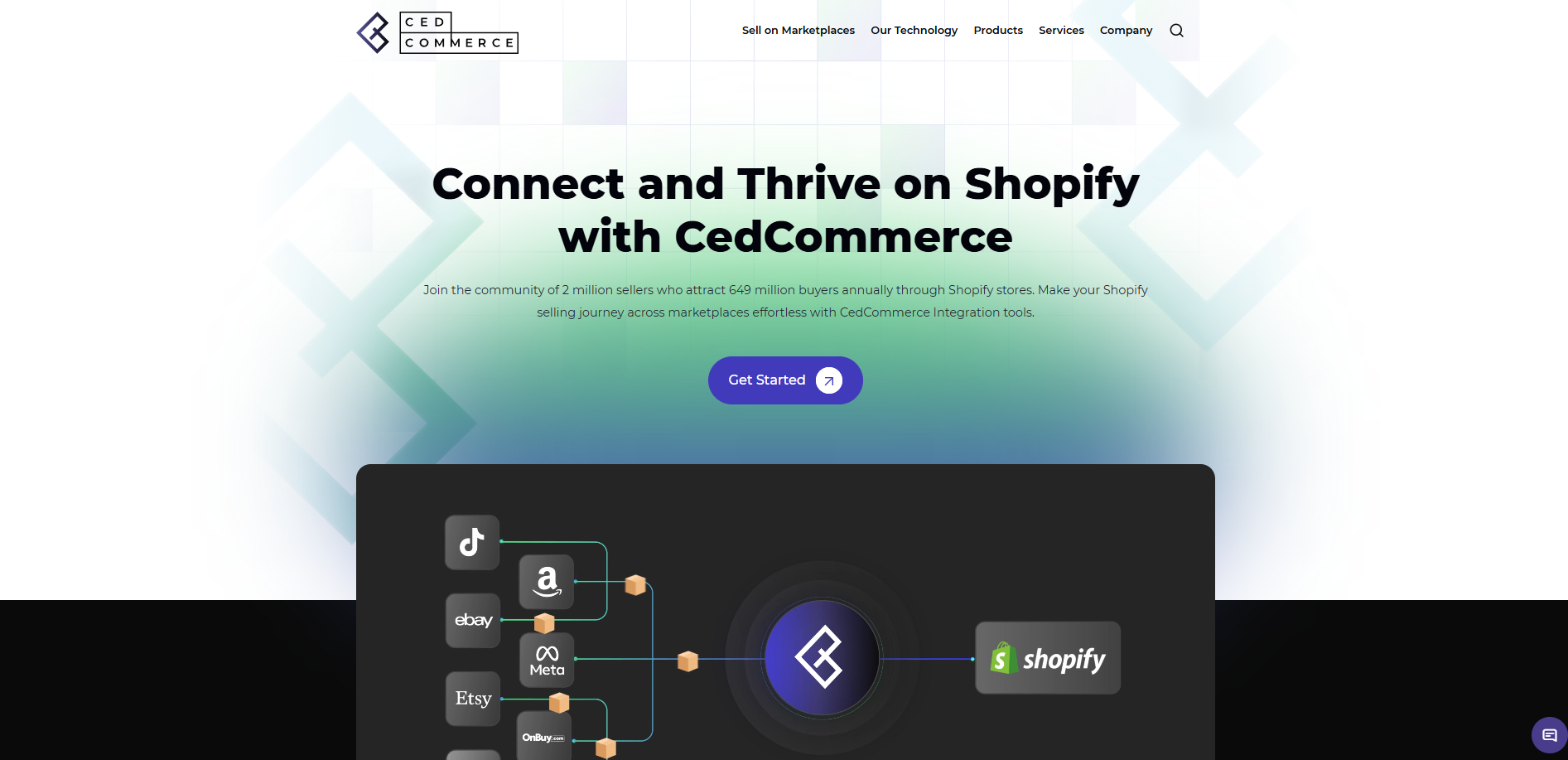
2. CedCommerce: The Shopify Powerhouse
For Shopify merchants, the official Meta app can sometimes feel restrictive. CedCommerce offers a more granular approach, integrating real-time catalog syncing with advanced Conversion API (CAPI) support. This ensures that your ad campaigns receive the most accurate data possible, even as browser-based privacy restrictions tighten.
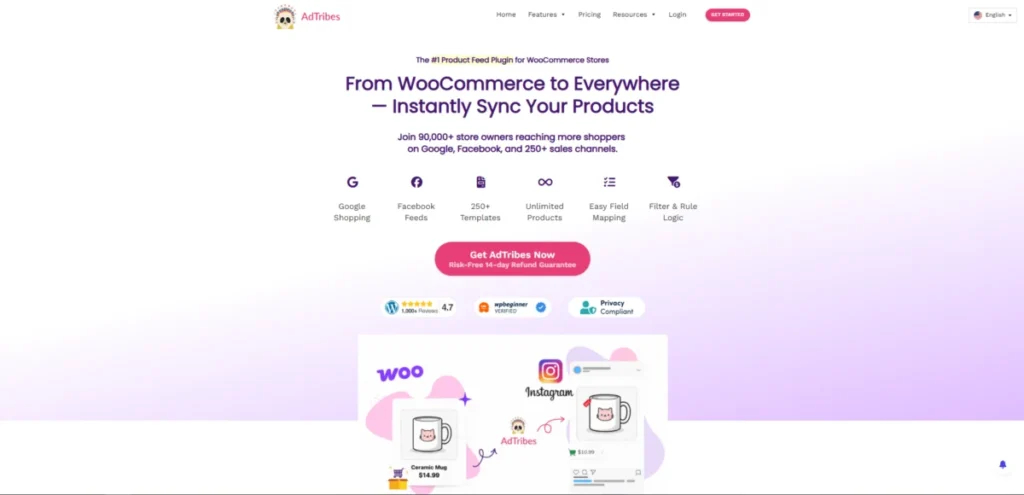
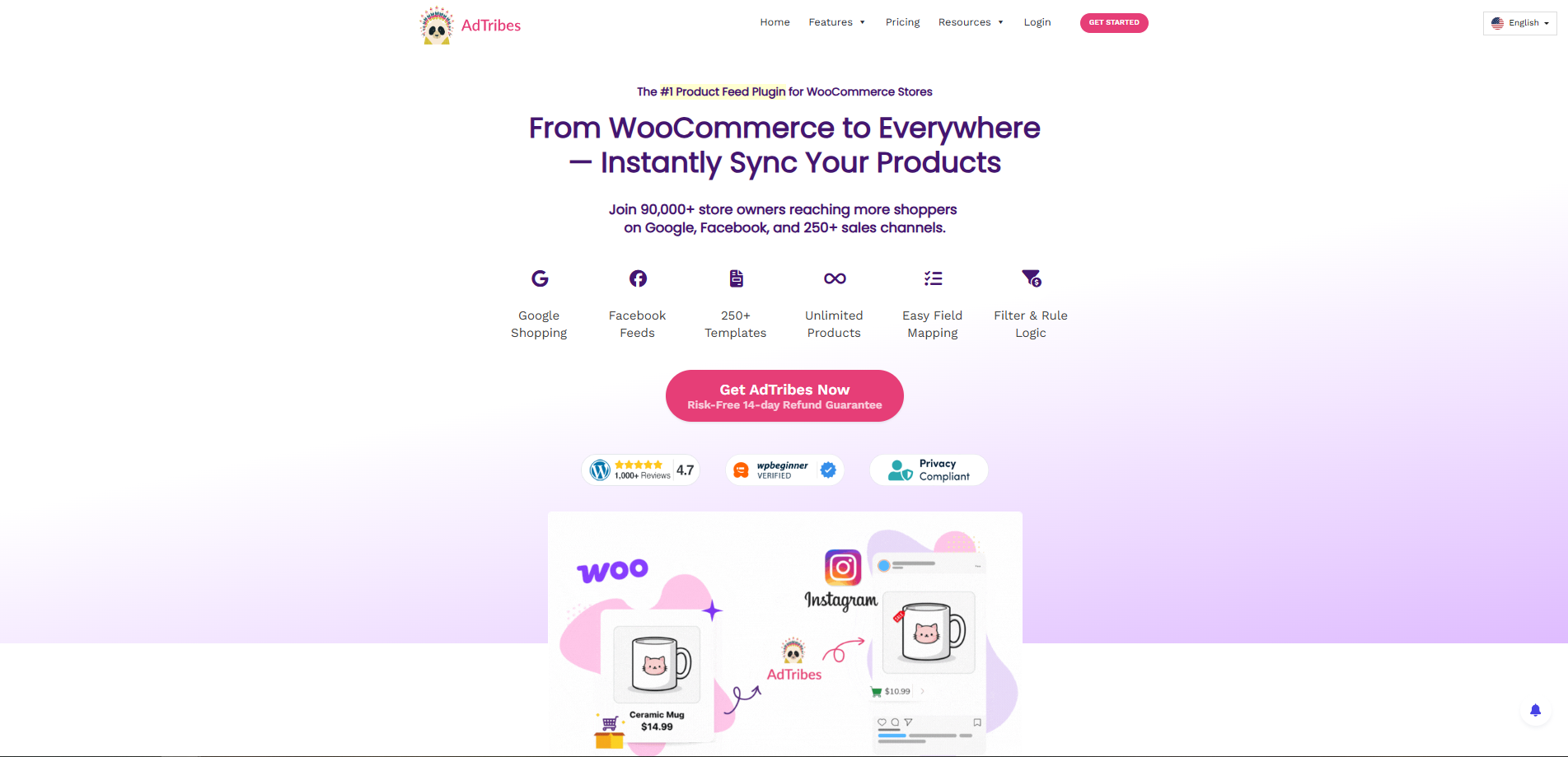
3. AdTribes Product Feed PRO: The WooCommerce Standard
WooCommerce is the most flexible platform for self-hosted stores, but it often struggles with automated feed management. AdTribes solves this by allowing users to create complex, rules-based feeds. If your catalog requires specific attributes for Facebook’s dynamic ads, this is the gold standard for WordPress users.
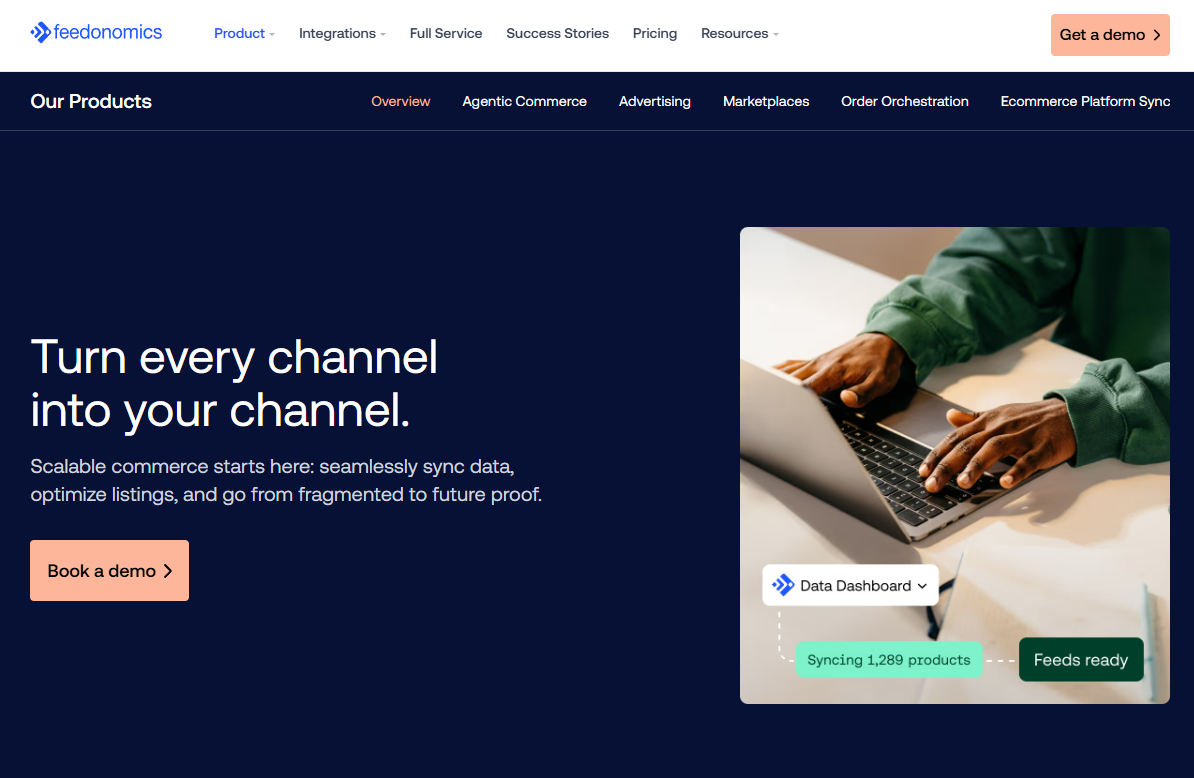
4. Feedonomics Surface: The BigCommerce Native Solution
Feedonomics provides a high-touch, managed experience. For enterprise-level BigCommerce merchants, it offers a "set it and forget it" reliability that is difficult to achieve with third-party plugins. It is priced for those who prioritize stability and support over DIY solutions.
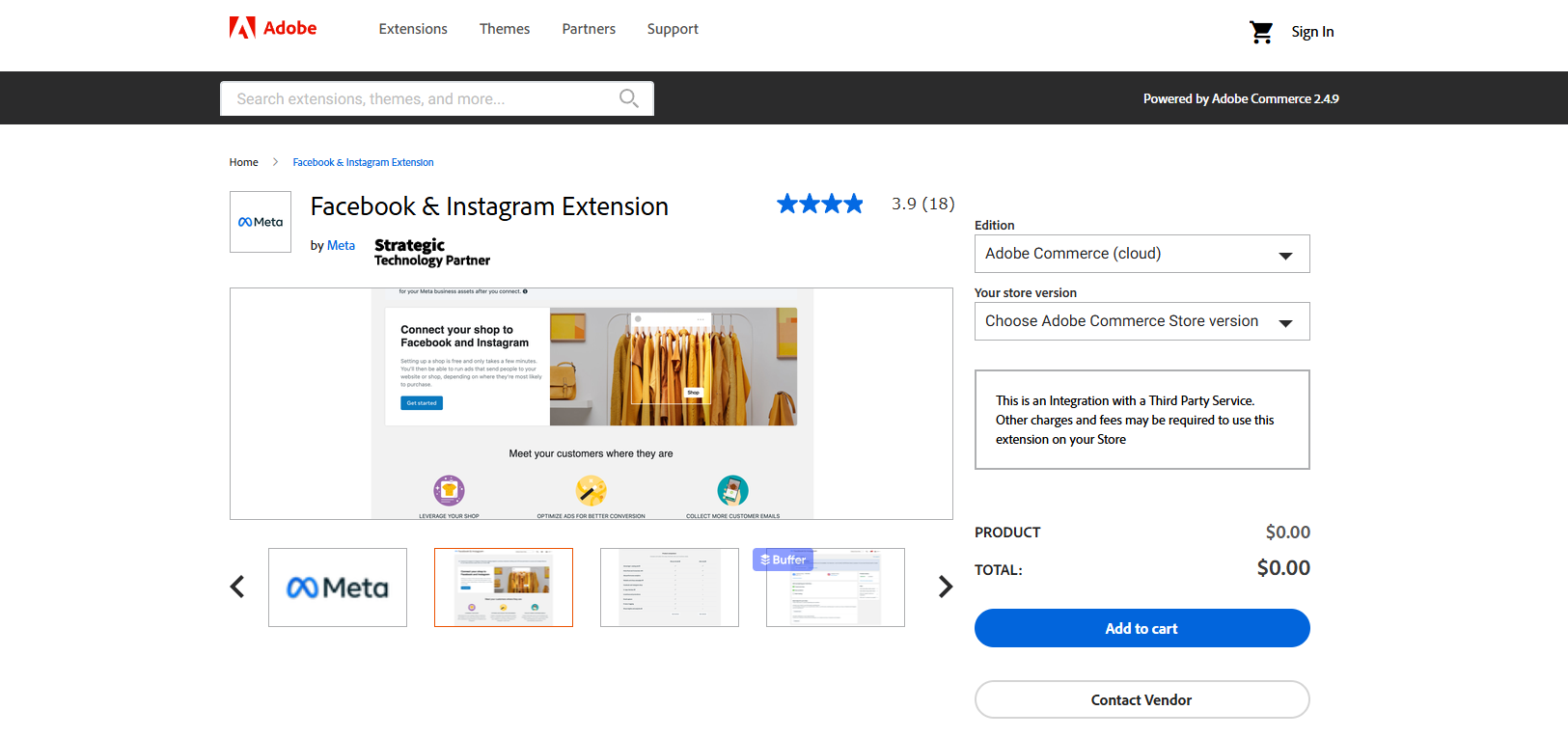
5. Meta for Adobe Commerce: The Enterprise Official Route
For large-scale Magento or Adobe Commerce setups, the official Meta extension remains the most reliable, free option. While it requires a higher level of technical expertise to configure, it is natively supported by Meta, ensuring compatibility with the latest platform updates.
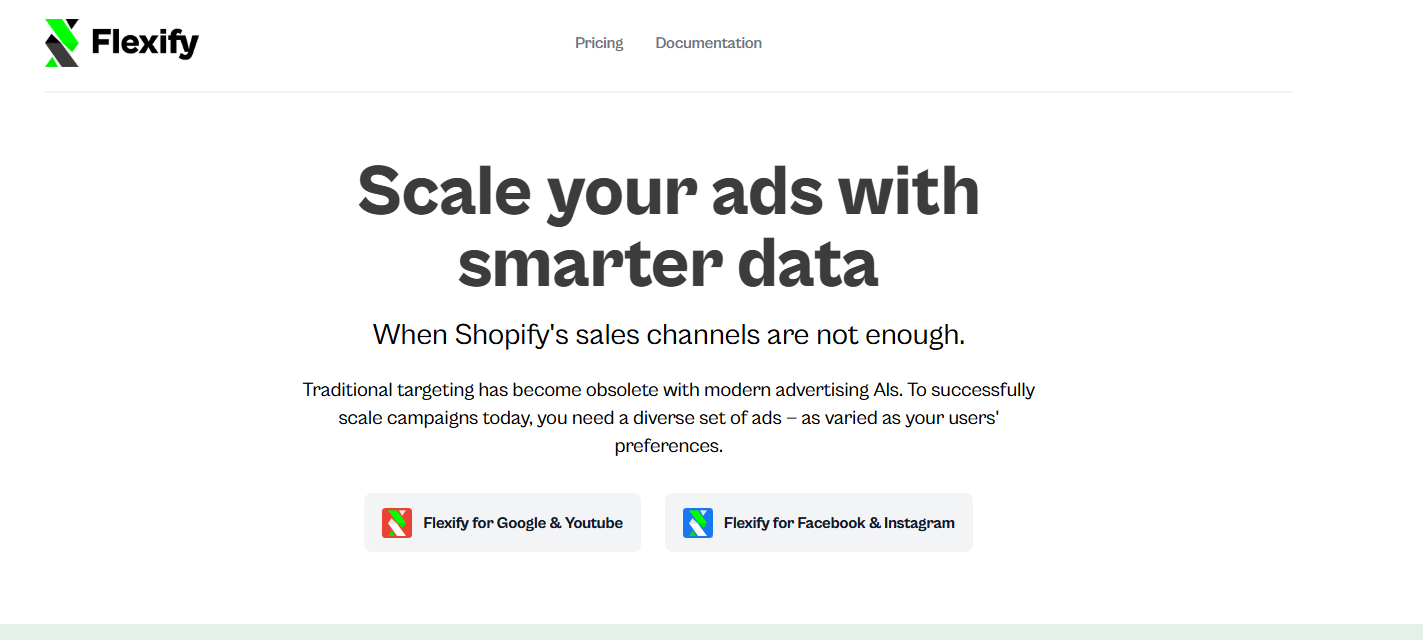
6. Flexify: Fine-Tuning the Creative
Advertising on Facebook is only as good as the creative. Flexify allows merchants to overlay pricing, logos, and custom text onto product images directly within the data feed. This allows for A/B testing ad creative without modifying the primary product images on your website.
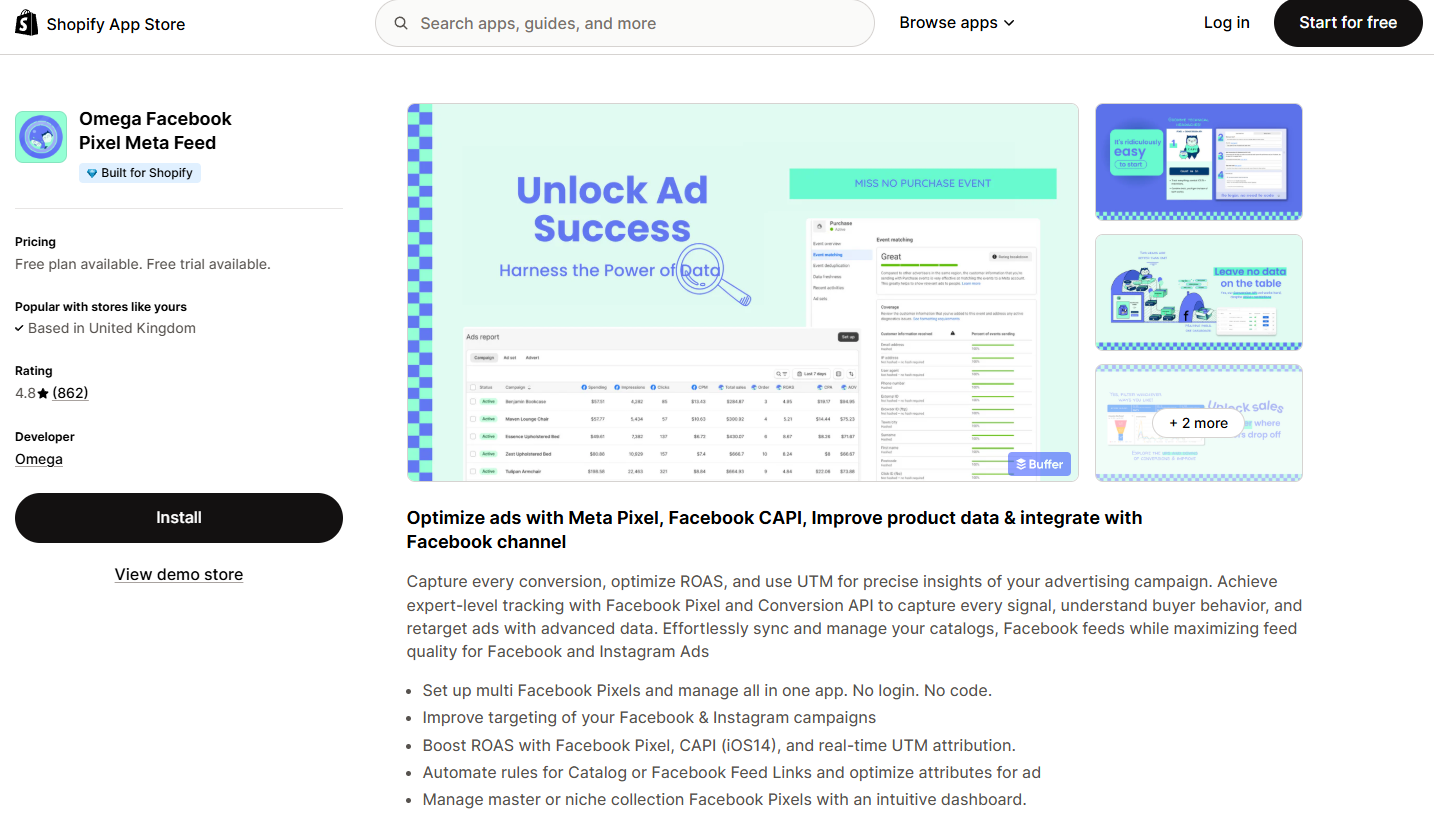
7. Omega Facebook Pixel Meta Feed: Solving Tracking Discrepancies
As iOS and privacy regulations have decimated standard pixel tracking, Omega offers a critical server-side solution. By sending events directly from your server, it bypasses ad blockers and privacy settings that typically delete cookie data.
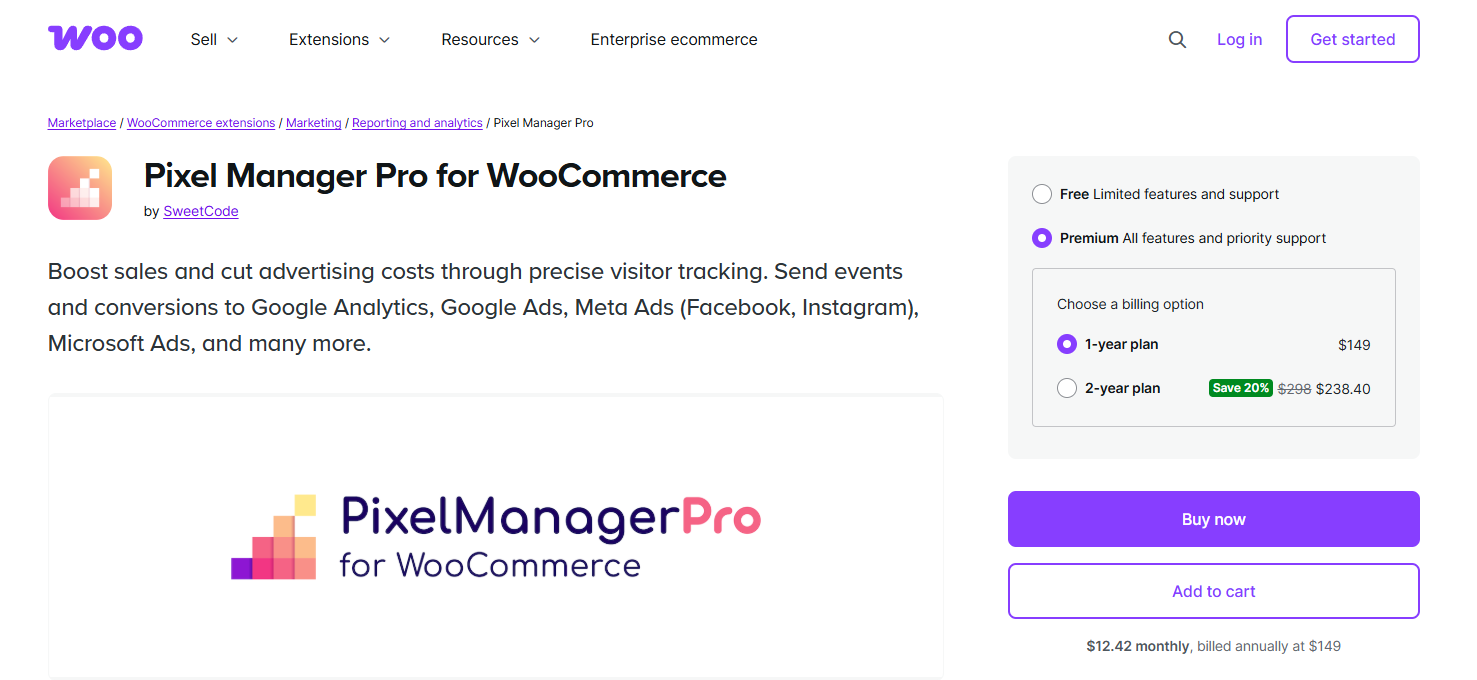
8. Pixel Manager Pro: WooCommerce Tracking Accuracy
Similar to Omega but built specifically for the WooCommerce ecosystem, Pixel Manager Pro eliminates duplicate event tracking—a common headache that causes advertisers to miscalculate their Return on Ad Spend (ROAS).
9. Channable: Managing Scale
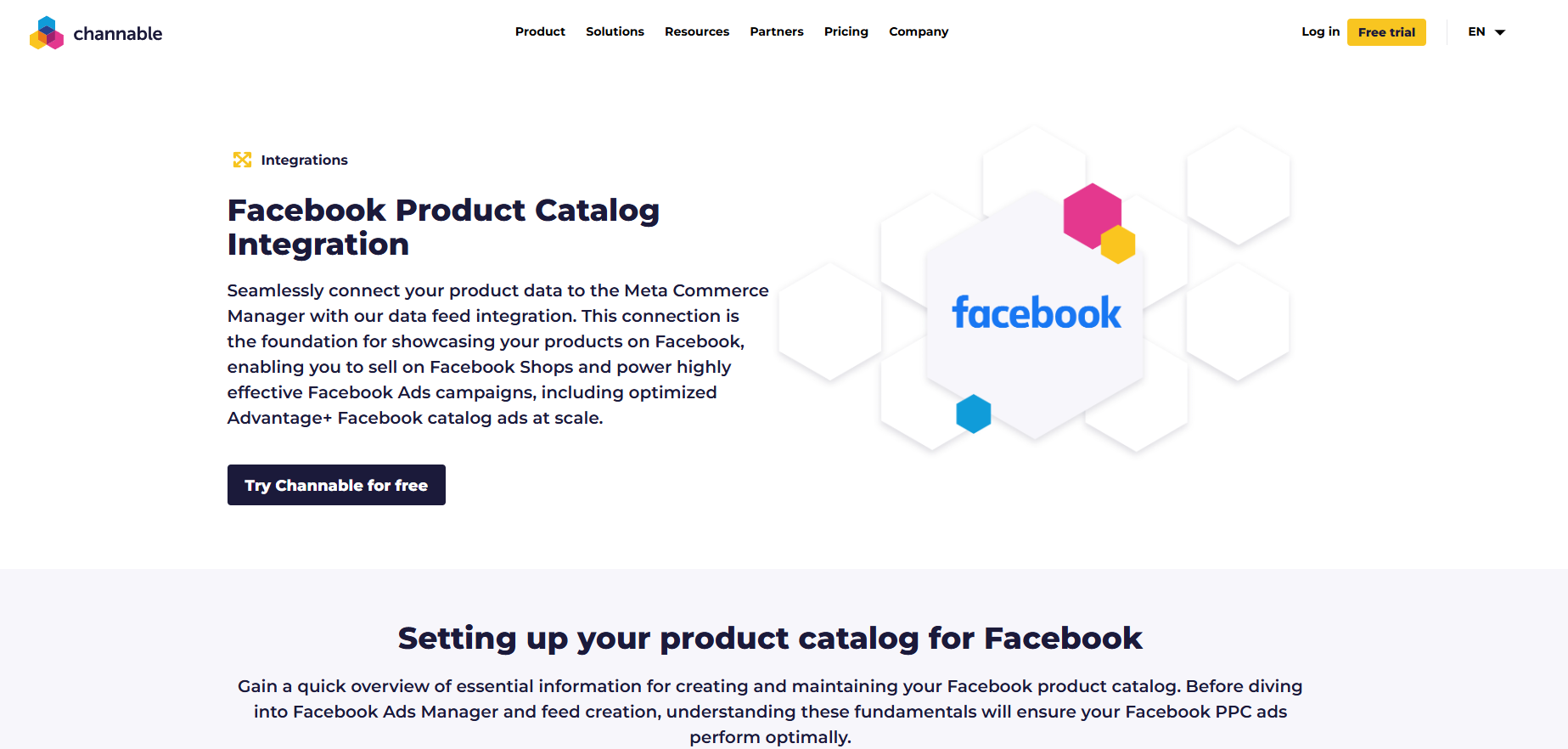
If you manage a catalog with over 5,000 SKUs, manual updates are impossible. Channable uses an intuitive "if-this-then-that" logic to modify your feeds for Meta, Google, and TikTok simultaneously, ensuring that your inventory is always accurate across every channel.
10. LitCommerce: The Multichannel Specialist
LitCommerce is built for those who want to sell on Facebook/Instagram while simultaneously managing listings on Amazon, Etsy, and TikTok Shop. It acts as a central hub, preventing overselling and ensuring brand consistency across platforms.
Implementation Chronology: Getting Started
- Assessment (Day 1): Determine your primary goal. Is it to sync a catalog for product tagging, or is it to fix broken conversion tracking?
- Platform Integration (Day 2-3): Connect your chosen app to your Commerce Manager. Ensure that your Facebook Pixel is installed and that the Conversion API (CAPI) is active.
- Data Validation (Day 4): Check for "Feed Errors" in Commerce Manager. Ensure your product categories match Meta’s taxonomy.
- Campaign Launch (Day 5+): Begin running dynamic product ads (DPAs) and monitor the ROAS through your app’s dashboard.
Implications of Current Meta Policy
The most significant shift in 2026 is the total reliance on server-side tracking. Because browser-based tracking (the standard cookie) is increasingly blocked, the apps listed above are not just "nice to have"—they are business-critical. If your tracking is not server-side, you are likely missing 30% to 50% of your conversion data, which leads to poor AI-driven ad optimization.
Expert Advice for Future-Proofing
- Prioritize First-Party Data: Use these apps to capture customer data that you own.
- Automate, Don’t Delegate: Use tools like Channable or CedCommerce to automate catalog updates so your inventory never goes out of sync, which can lead to account penalties.
- Monitor Commerce Manager: Even if you use a third-party app, log into your Meta Commerce Manager monthly to ensure that the "Shop Quality" score remains high.
Frequently Asked Questions
Q: Can you still do e-commerce on Facebook?
A: Yes. While native checkout is limited, Facebook Shops act as a digital storefront. The purchase is finalized on your website, but the journey starts and is nurtured within the Meta ecosystem.
Q: Is it worth the investment?
A: With 62% of US social buyers making their most recent purchase through a discovery on a social platform, the investment in a high-quality sync app pays for itself through increased ad efficiency and higher conversion rates.
Q: What is the difference between a Shop and Marketplace?
A: A Facebook Shop is your branded, curated catalog. Marketplace is a peer-to-peer bazaar. For professional brands, a Shop is the only viable option for long-term growth.
For more in-depth strategies on optimizing your digital storefront and conversion funnels, continue to follow the professional resources at the Crazy Egg Blog.
