
The Agency Operations Crisis: Why Your CRM Is Either Your Biggest Asset or Your Worst Bottleneck
For many digital agencies, the mantra "pick a CRM and the rest will follow" is a dangerous fallacy. It is a sentiment that sounds productive in a boardroom meeting but quickly devolves into a nightmare of fragmented workflows, scattered client communication, and "context switching"—the silent productivity killer that drains team morale and profitability.
When a CRM is poorly matched to an agency’s specific operational needs, the cost is far higher than the monthly subscription fee. It manifests in inconsistent client data, slow handoffs between sales and delivery, and a lack of visibility that prevents leadership from making informed decisions. To survive and scale in 2026, agencies must view their CRM not just as a database of contacts, but as the backbone of their entire delivery infrastructure.
The Reality of Modern Agency Operations
"CRM" often sounds like an abstract buzzword until it is mapped against the daily grind of agency life. In practice, agencies rely on these platforms to solve five core operational hurdles:
- Standardizing Client Onboarding: Agencies must capture leads from web forms, qualify them, and transition them into a structured onboarding pipeline that covers asset collection, kickoff calls, and initial campaign setup.
- Bridging the Sales-to-Delivery Gap: Without a unified system, account managers and delivery teams often operate in silos, relying on disjointed DMs or scattered spreadsheets. A robust CRM keeps scope, timelines, and expectations in one place.
- Revenue and Capacity Tracking: Agencies need to visualize which service lines are growing and where team members are over- or under-utilized.
- Reporting for QBRs: Instead of manually building reports every quarter, a mature CRM pulls performance data automatically, turning QBRs into high-value strategic conversations rather than data-entry chores.
- Renewal and Expansion Management: Tracking contract end dates and identifying upsell opportunities shouldn’t rely on human memory. Automated alerts ensure that renewals are proactive, not reactive.
Top CRMs for Agencies: A Comparative Analysis
Selecting the right tool requires stress-testing candidates against these workflows. Below is a breakdown of the leading platforms for 2026.
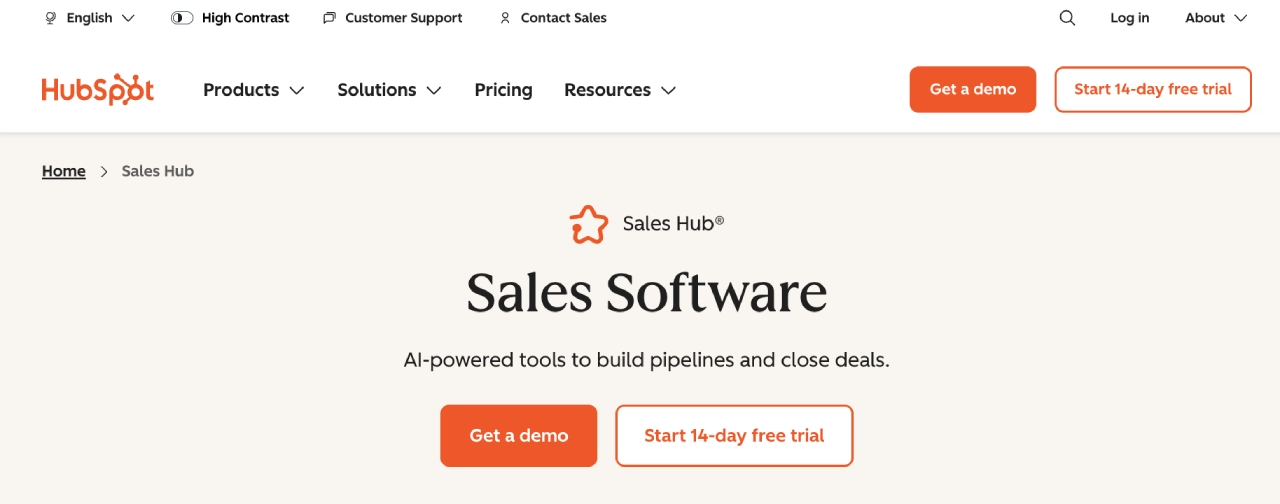
1. HubSpot Sales Hub: The Scaling Powerhouse
HubSpot remains the gold standard for multi-service agencies. It balances user-friendly design with enterprise-grade depth. With powerful sequences, Playbooks, and native email integration, it is ideal for teams that need repeatable processes as they grow.
- Best for: Agencies with complex, multi-service lines.
- Pros: Deep automation, robust reporting, and a massive ecosystem.
- Cons: Professional and Enterprise tiers require significant onboarding investment.
2. Pipedrive: The Sales-Centric Choice
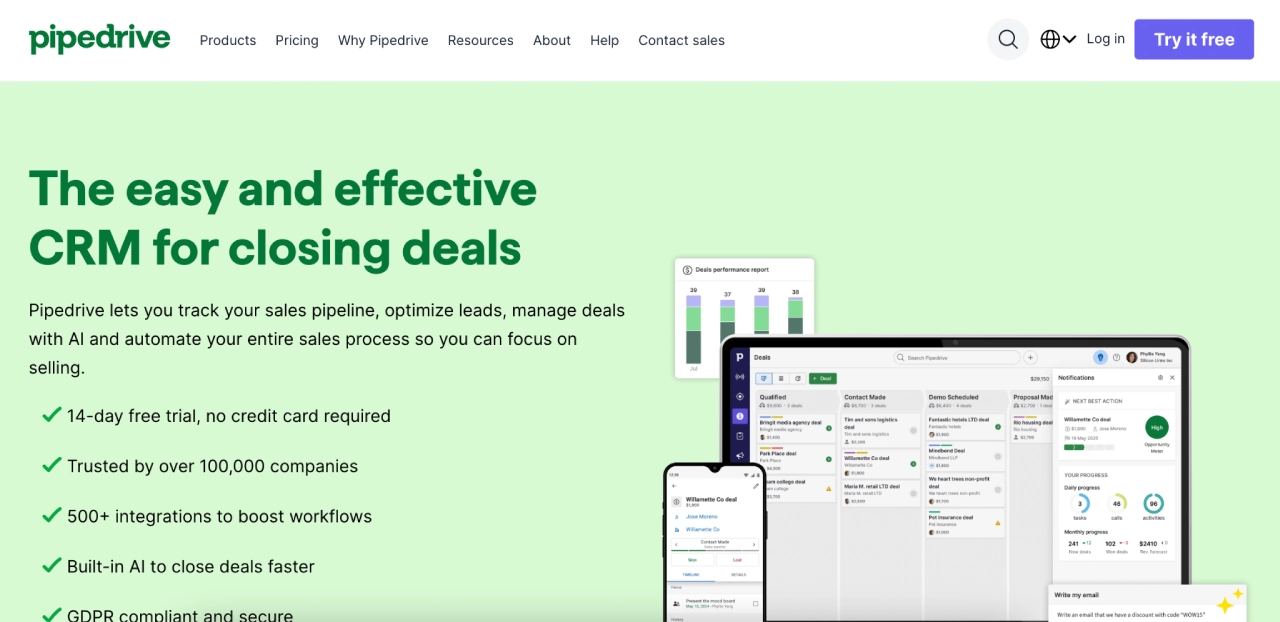
Built around a visual, drag-and-drop pipeline, Pipedrive removes the friction of complex setups. It is perfect for teams where the primary goal is closing deals and tracking activity without the overhead of heavy customization.
- Best for: SDR/BDR-led agencies.
- Pros: Highly intuitive interface; quick to deploy.
- Cons: Lacks native, deep marketing automation.
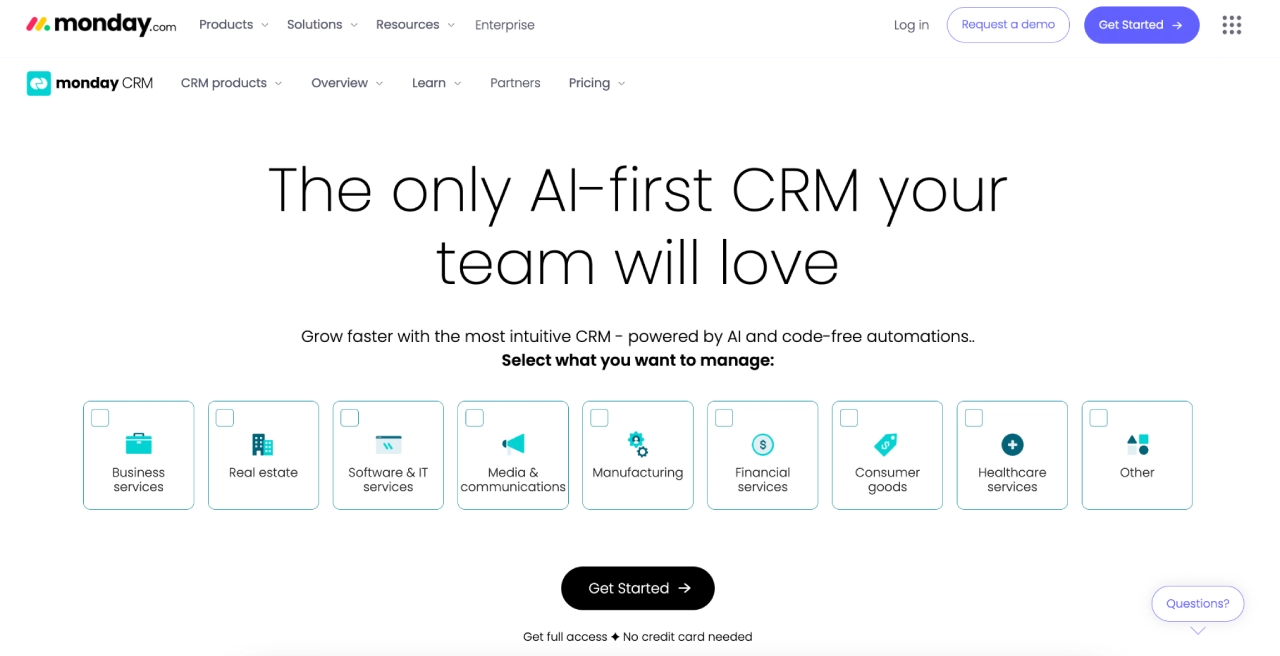
3. Zoho CRM: The Value-Driven Customizer
Zoho stands out for its flexibility. Through its "CommandCenter" and AI assistant, Zia, it allows agencies to build highly tailored workflows that would normally cost three times as much on other platforms.
- Best for: Agencies that require deep customization on a budget.
- Pros: Exceptional value; highly flexible automation.
- Cons: The interface can feel overwhelming for non-technical users.
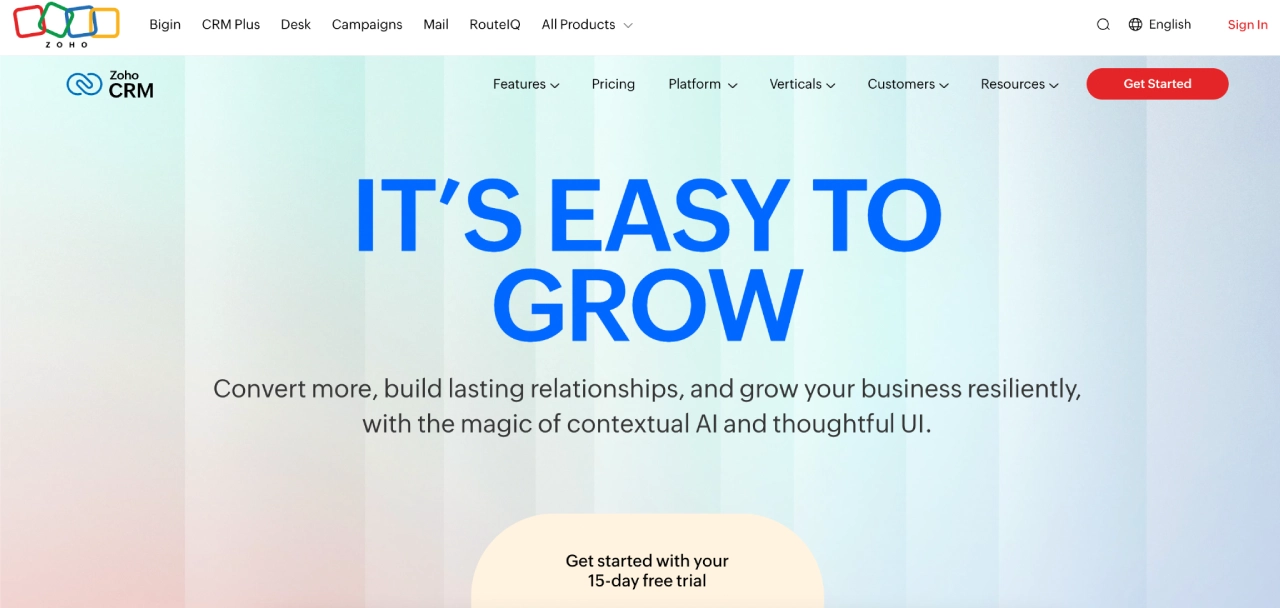
4. monday sales CRM: The "Work OS" Hybrid
By combining project management boards with CRM pipelines, monday.com allows sales and delivery teams to exist in the same environment. It is the top choice for teams that hate the "wall" between sales and project management.
- Best for: Cross-functional teams that need total visibility.
- Pros: Visual, collaborative, and highly versatile.
- Cons: Costs scale quickly as you add users and advanced automations.
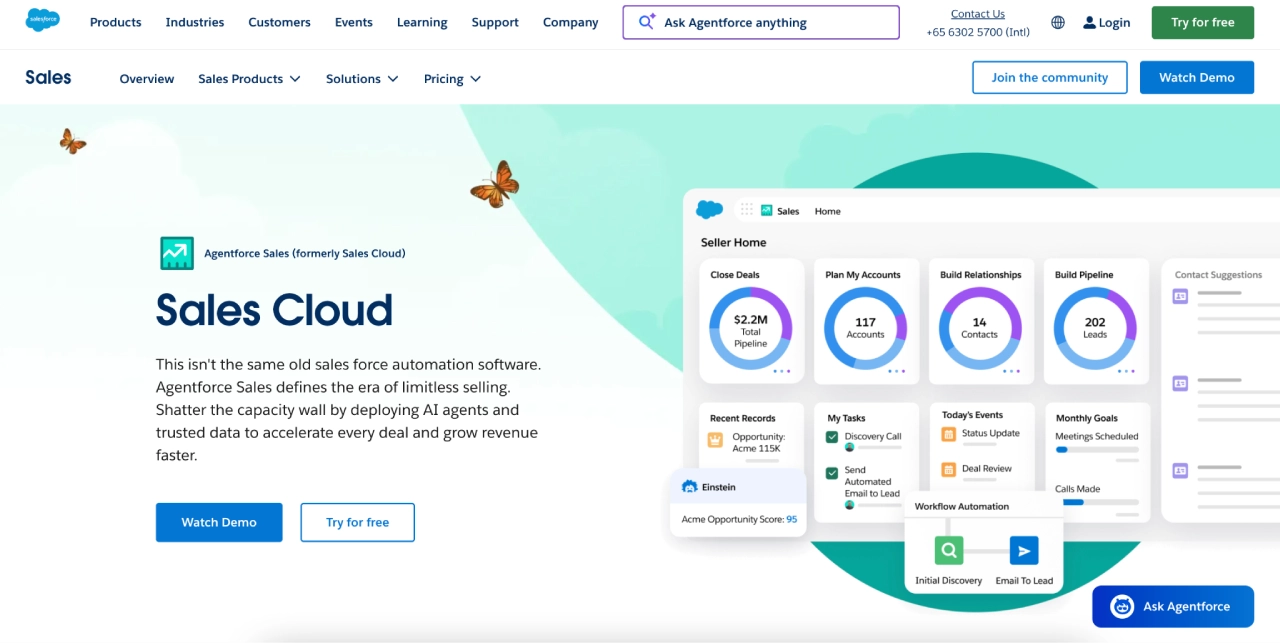
5. Salesforce Sales Cloud: The Enterprise Titan
For agencies handling high-stakes, enterprise-level clients, Salesforce is the only choice that offers the governance, security, and complex object-mapping required.
- Best for: Enterprise operations requiring strict data control.
- Pros: Limitless customization and a vast partner ecosystem.
- Cons: High total cost of ownership; necessitates a dedicated admin.
Evaluation Criteria: The "4C" Agency Model
To cut through the marketing noise of CRM vendors, agencies should use the 4C Model to score their options (on a scale of 1–5 per category).
- Clarity: How easily can your team understand the status of a project or deal without digging through sub-menus?
- Collaboration: Does the platform support seamless handoffs between departments via mentions, tagging, and shared notifications?
- Customization: Can you bend the tool to fit your specific agency process, or are you forced to change your process to fit the tool?
- Connectivity: Does the CRM integrate with your existing tech stack—billing, project management, and email—without requiring complex, fragile middleware?
Implications: The Role of Campaign Monitor
Even the best CRM is only half the battle. A CRM handles the "who and the when," but the "how" of client communication often falls to your email marketing stack. Pairing your chosen CRM with Campaign Monitor bridges this gap.
By using your CRM as the "Source of Truth" for data and Campaign Monitor for the delivery of high-end, brand-consistent templates and automated journeys, agencies create a seamless client experience. For instance, when a deal moves to "Onboarding" in HubSpot or Zoho, a Campaign Monitor journey can be automatically triggered to send a welcome sequence, collect assets, and schedule a kickoff, ensuring that every client receives the same premium onboarding experience regardless of who is managing the account.
Red Flags: When to Walk Away
Before committing to a multi-year contract, look for these "silent killers" during the demo phase:
- Poor Role-Based Permissions: If you cannot granularly control what a contractor or client can see, you are inviting security risks.
- One-Way Integrations: If the CRM only exports data but cannot ingest data from your billing or project management tools, you are looking at a future of manual data entry.
- Volume Caps: Many CRMs look cheap at the entry tier but hit you with astronomical costs once you scale your contact list or automation volume.
Conclusion: How to Choose
If you are a small creative agency, prioritize the visual simplicity of Pipedrive or monday.com. If you are a fast-growing digital shop with multiple service lines, look toward HubSpot or Zoho. For enterprise-level, high-complexity operations, Salesforce remains the standard.

Ultimately, a CRM should never be a destination—it is a tool to facilitate the growth of your agency. By choosing a system that aligns with your operational reality and integrating it with powerful communication tools like Campaign Monitor, you can move from reactive, disorganized service delivery to a predictable, scalable model that keeps your team focused on what really matters: client success.
Disclaimer: This article is for informational purposes only and does not constitute financial, legal, or tax advice. Agencies should consult with their own technical and operational experts before implementing major changes to their software infrastructure.
