

Shopify vs. Pirate Ship: The Definitive Guide to Streamlining Your E-commerce Logistics
For many e-commerce entrepreneurs, the debate between Shopify and Pirate Ship feels like a choice between two competing logistics solutions. However, the industry consensus is clear: these platforms are not rivals, but rather complementary pillars of a modern, efficient online business. While Shopify serves as the digital foundation for your storefront, Pirate Ship acts as a tactical utility for reducing operational overhead.
Understanding how to leverage both in tandem is the secret to scaling a profitable retail brand. This analysis breaks down the functional differences, the logistics of their integration, and the financial implications for your bottom line.
1. The Core Distinction: Infrastructure vs. Optimization
To grasp why these tools are frequently compared, one must first understand their distinct purposes.
Shopify: The E-commerce Operating System
Shopify is an all-in-one platform designed to handle the entire lifecycle of an online store. It provides the storefront builder, product catalog management, secure checkout, payment processing, and integrated marketing tools. When you launch a store on Shopify, you are essentially renting a digital real estate complex that manages your customer journey from the first click to the "thank you" page.
Pirate Ship: The Logistics Efficiency Engine
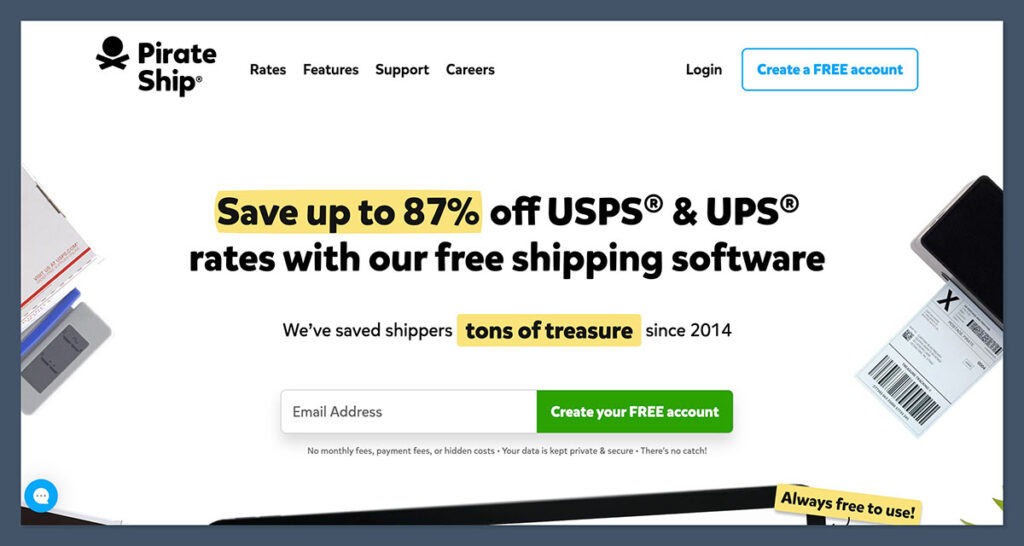
In contrast, Pirate Ship is a specialized shipping software provider. It has no storefront capabilities, no shopping cart, and no customer-facing website features. Instead, it is built exclusively to negotiate, purchase, and print discounted shipping labels. By focusing solely on postage, Pirate Ship has become a favorite among high-volume sellers who treat shipping as a significant line item on their profit and loss statements.
2. Chronology of Adoption: When to Use Which?
Most successful e-commerce brands follow a predictable trajectory when adopting these tools.
- Phase 1: The Startup Phase. A new merchant typically starts by utilizing Shopify’s native shipping tools. At low volumes, the convenience of buying labels directly within the Shopify admin dashboard outweighs the need for external optimization.
- Phase 2: The Optimization Phase. As the business grows to 50, 100, or 500 orders per month, the "convenience premium" of native shipping starts to look like a missed opportunity. This is when merchants typically discover that Pirate Ship’s specialized rates—particularly for USPS Priority Mail Cubic and UPS Ground Saver—can save them thousands of dollars annually.
- Phase 3: The Integration Phase. Mature stores often reach a "hybrid" equilibrium. They keep Shopify as the primary interface for customer management while utilizing the official Pirate Ship integration to sync order data, push tracking numbers back to customers, and execute high-speed batch label printing.
3. Supporting Data: The Cost-Benefit Analysis
A side-by-side comparison reveals why the "either-or" mentality is flawed.

| Feature | Shopify | Pirate Ship |
|---|---|---|
| Core Function | Storefront & Checkout | Postage & Labeling |
| Monthly Cost | $29 – $399+ | $0 (Free) |
| USPS/UPS Rates | Discounted | Deeply Discounted (Commercial) |
| Checkout Integration | Yes (Carrier-Calculated) | No (Post-sale only) |
| Batch Processing | Basic | Advanced (Unlimited) |
The "Free" Myth
A common misconception is that Pirate Ship is "cheaper" than Shopify. While Pirate Ship costs $0 per month, it provides $0 of the infrastructure required to actually make a sale. You cannot "build" a store on Pirate Ship. Therefore, the cost of Shopify is an investment in your revenue-generating machine, while the cost (or lack thereof) of Pirate Ship is a reduction in your operational cost of goods sold.
4. Operational Implications: The Workflow Shift
When you shift your logistics workflow from Shopify’s native dashboard to a Pirate Ship-augmented system, you change how your team interacts with your orders.
The Shopify-Native Workflow
If you stick exclusively to Shopify, your workflow is unified. You receive an order, click "Fulfill," purchase a label, and the status updates automatically. For small businesses, this "single-pane-of-glass" experience is invaluable. It reduces cognitive load and keeps administrative tasks within a single tab.
The Pirate Ship Integration Workflow
When you integrate Pirate Ship via the Shopify App Store, you add a layer of complexity. You are now moving data between two platforms. However, the "handshake" between them is seamless:
- Sync: Shopify orders are automatically pulled into the Pirate Ship dashboard.
- Purchase: You select your preferred carrier, compare real-time rates (often seeing significantly lower costs for heavy or bulky items), and print.
- Sync-Back: Pirate Ship marks the order as "Fulfilled" in Shopify and pushes the tracking number to the customer via Shopify’s native notification system.
The "cost" of this extra step is time; the benefit is a direct increase in net margin per package.
5. Official Stances and Carrier Relationships
Both companies have built their reputations on distinct philosophies regarding their partnerships with carriers like USPS and UPS.
Shopify’s "Convenience First" Approach
Shopify positions itself as the ultimate "all-in-one" solution. Their official stance is that by bundling shipping into the core subscription, they reduce friction for the merchant. By providing native integration with DHL Express and UPS, they ensure that international shipping and high-volume freight needs are met without requiring third-party software.

Pirate Ship’s "Carrier-Volume" Approach
Pirate Ship’s strategy is based on "Commercial Pricing." They aggregate the volume of all their users to negotiate rates that are often inaccessible to individual small businesses. Their official communications emphasize "transparency"—they do not add markups or "handling fees" to the postage rates they provide. This has earned them a loyal following among sellers who demand total cost clarity.
6. Strategic Implications: Which Path Should You Choose?
The decision-making process for your business should be based on your current volume and future scale.
Scenario A: The Newcomer
If you are currently processing fewer than 20 shipments a week, stick to Shopify Shipping. The time you would spend managing an integration and learning a secondary platform is worth more than the few cents saved per package. Focus your energy on product development and marketing.
Scenario B: The Growing Brand
If you are hitting 50+ shipments a week, or if you frequently ship items that qualify for "Cubic" pricing (small, heavy items), add Pirate Ship immediately. The cumulative savings will likely pay for your entire Shopify subscription within the first few months of high-volume sales.
Scenario C: The Enterprise Seller
For large-scale operations, the conversation shifts from "Shopify vs. Pirate Ship" to "Multi-Channel Logistics Software." You may eventually outgrow the manual nature of the Pirate Ship/Shopify integration, necessitating enterprise-level solutions like ShipStation or ShippingEasy. However, until that scale is reached, the Shopify-Pirate Ship pairing remains the gold standard for independent e-commerce.
7. Frequently Asked Questions
Is Pirate Ship really free, or are there hidden fees?
Pirate Ship is genuinely free. They generate revenue through their agreements with carriers, not by charging the merchant for the software. There are no monthly subscriptions, no "per-label" fees, and no minimum volume requirements.
Does using Pirate Ship affect my customers’ checkout experience?
No. Pirate Ship operates entirely on the back end. Your customers will still see your configured shipping options at checkout (provided you have set up your shipping profiles in Shopify). Pirate Ship only intervenes after the order is paid for and confirmed.
Can I use both FedEx and Pirate Ship?
Pirate Ship does not support FedEx. If your business model relies on FedEx, you will need to use Shopify’s native shipping tools or a third-party multi-carrier shipping platform. Pirate Ship is strictly limited to USPS and UPS services.
Does Pirate Ship work with international orders?
Yes. Pirate Ship is highly effective for international shipments. It automatically generates the required customs forms and provides access to lower-cost international services that many standard platforms omit.
Final Verdict: Why You Don’t Have to Choose
The most common mistake novice sellers make is viewing these two tools as mutually exclusive. They are not. Shopify is the storefront that makes the sale possible; Pirate Ship is the engine that keeps your logistics profitable.
For the vast majority of U.S.-based e-commerce entrepreneurs, the optimal configuration is a unified ecosystem: Use Shopify to manage your brand, your customers, and your checkout, and use the Pirate Ship integration to maximize the margin on every package that leaves your warehouse. By separating your store operations from your shipping logistics, you gain the best of both worlds: the simplicity of an all-in-one platform and the cost-efficiency of a specialized logistics tool.
