
Mastering the Art of the Corporate Transition: How to Communicate Change Without Losing Customer Trust
In the lifecycle of any growing enterprise, change is not just inevitable—it is a sign of evolution. Whether your organization is undergoing a strategic rebranding, merging with a competitor, shifting its business model, or simply updating contact infrastructure, the way you relay this information to your stakeholders is a defining moment for your brand. A poorly handled announcement can trigger confusion, spike unsubscribe rates, and damage your hard-earned reputation. Conversely, a well-executed communication strategy acts as a bridge, reassuring customers that the core values and service quality they trust remain intact, even if the "name on the door" is changing.
The Anatomy of a Company Change Announcement
A company change announcement is more than a courtesy; it is a critical piece of reputation management. At its core, this communication serves to notify customers, clients, and partners about significant structural or visual changes. These announcements typically address shifts in brand identity, ownership, operational location, or digital infrastructure.
The primary objective is to maintain continuity in the customer experience. When a business fails to communicate clearly, it creates a vacuum of information that is often filled by speculation or distrust. By proactively managing the narrative, companies can turn a period of uncertainty into a moment of re-engagement, reinforcing why the business remains a valuable partner.

The Critical Importance of Strategic Communication
Why does a "simple" update matter so much to the bottom line? The implications are far-reaching, affecting everything from technical deliverability to long-term customer loyalty.
Protecting Your Digital Reputation
For digital-first businesses, changing an email domain or a sender name is a high-stakes technical event. If subscribers receive an email from an unfamiliar source, spam filters may trigger automatically, and users may manually flag the message as junk. This can permanently impair your email deliverability for future campaigns. A structured, gradual announcement strategy—sent from your recognized, legacy "From" address—allows customers to bridge the gap between their established expectations and your new identity.
Mitigating Churn and Confusion
Sudden, unexplained transitions are a leading cause of customer attrition. When a user sees a new logo, a different company name, or an unexpected email address without context, their first instinct is often to disengage. Providing clear, upfront context significantly reduces "surprise-based" unsubscribes and protects the integrity of your mailing list.

Reinforcing Brand Value
Transitions offer a rare opportunity to remind your audience why they chose you in the first place. By framing the change as an evolution—whether it is "leveling up" services or expanding capabilities—you can transform a mundane administrative update into a compelling brand story.
A Seven-Step Framework for Effective Communication
Crafting an announcement that hits the right tone requires precision and empathy. Below is the industry-standard approach to managing these communications.
1. Leading with Clarity: The Subject Line
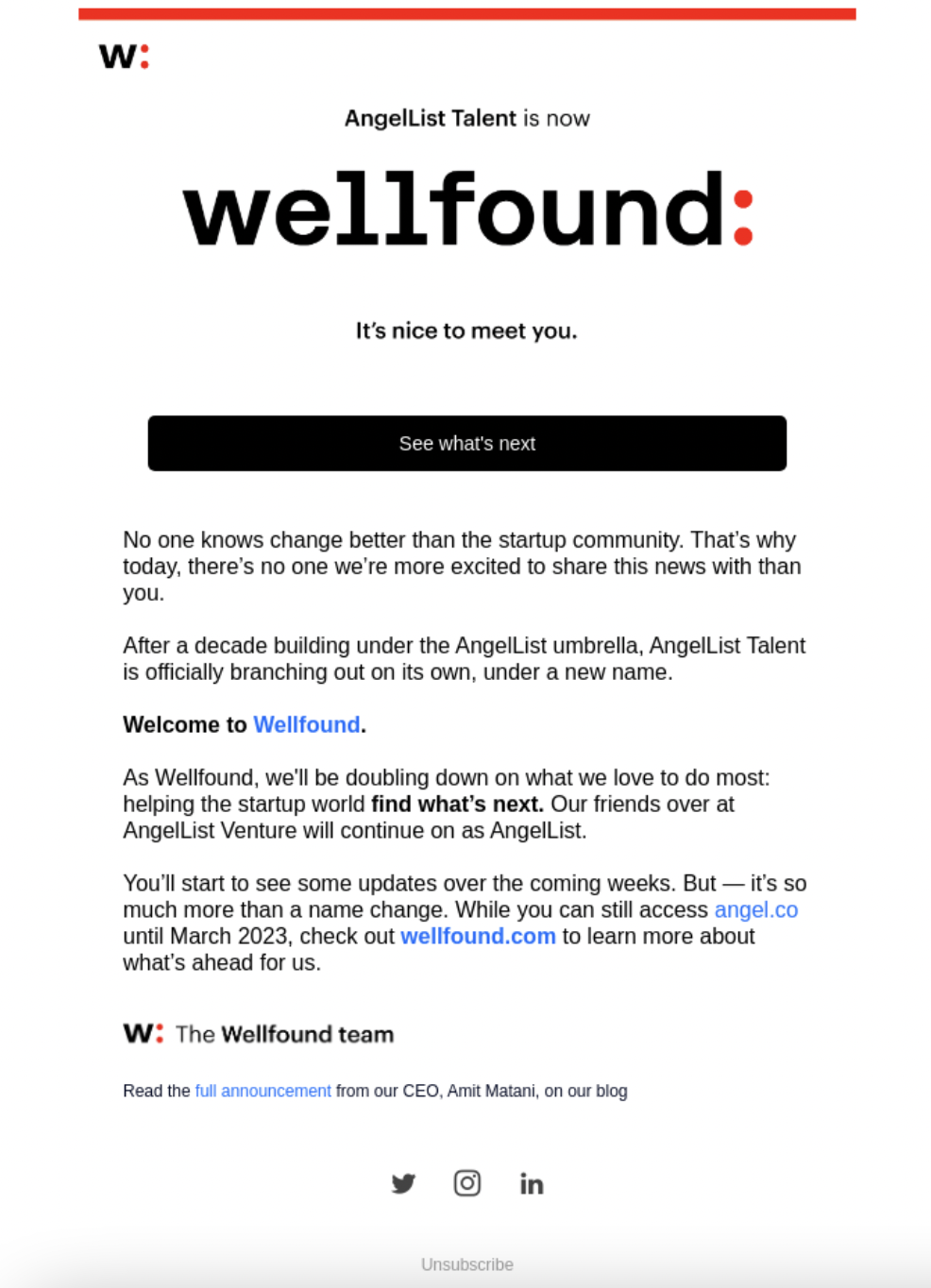
Your subject line is the gatekeeper. It must be immediate and unambiguous. Whether it is a name change ("Company A is now Company B") or a merger ("Company A and Company B are joining forces"), avoid vague phrases like "We have an update." The goal is to ensure the reader understands the nature of the news before they even open the email.
2. The Power of the "From" Address
Consistency is the antidote to suspicion. Always send your initial announcement from the email address that your customers already recognize and trust. Even if you are transitioning to a new domain, the first notification must come from the established account to ensure it bypasses spam filters and reaches the inbox.
3. Defining the Scope: What Changes, What Stays?
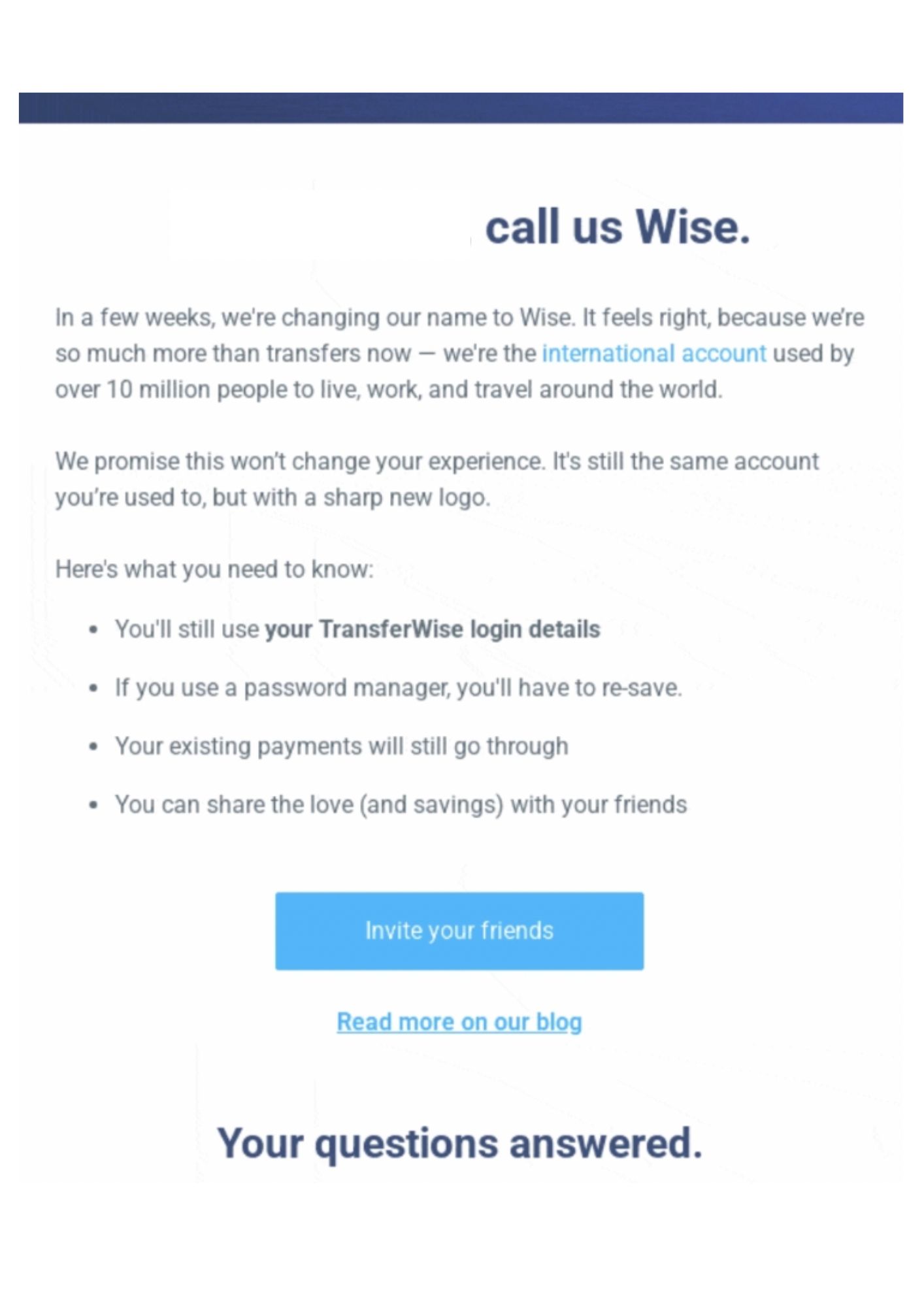
Customers are inherently self-interested; they want to know how the change affects them. Clearly delineate what is shifting (the name, the logo, the URL) versus what remains the same (login credentials, account history, pricing, support teams). This level of transparency removes the anxiety of having to "re-learn" how to interact with your business.
4. Addressing Pain Points Proactively
Anticipate the "what-ifs." Will my login work? Do I need to update my credit card? Will my data be lost? Creating a brief FAQ section or including a "Reassurance" block within the email can prevent a deluge of support tickets and alleviate customer stress.
5. Visual Continuity
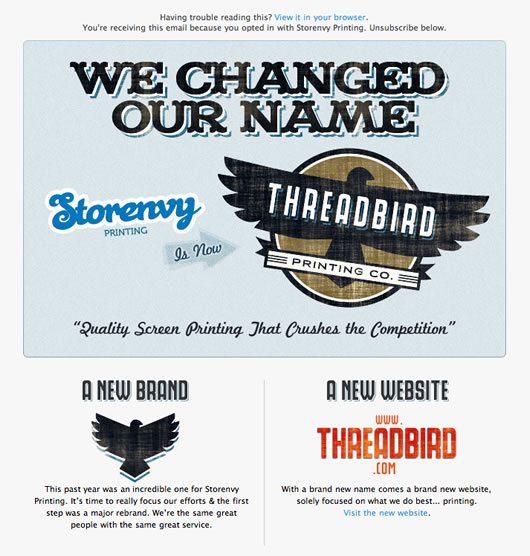
When rebranding, do not discard your old visual identity overnight. Incorporating both the old and new logos in the initial announcement provides a visual "handshake" that helps the customer connect your past identity with your future trajectory.
6. The Call to Action (CTA)
Don’t leave the reader hanging. Whether it is a link to a blog post detailing the transition, a button to explore the new website, or a simple "Contact us" for questions, ensure the CTA provides a clear path forward.
7. The Multi-Touchpoint Sequence
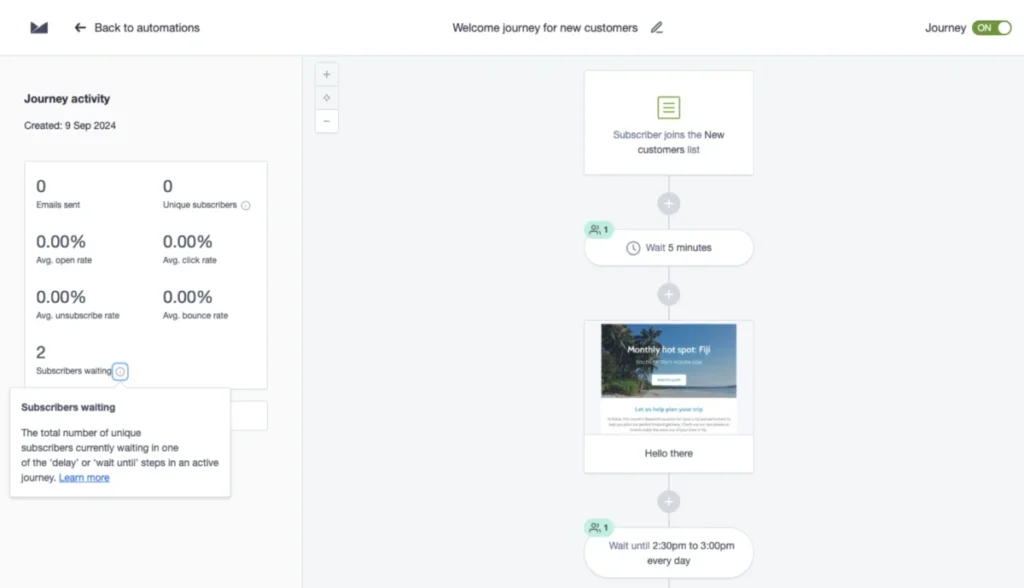
One email is rarely sufficient. A robust communication plan involves a sequence:

- The Announcement (2–4 weeks prior): Sets the stage.
- The Reminder (1 week prior): Catches those who missed the first wave.
- The Go-Live (Day of): Confirms the transition is complete.
- The Follow-Up (1–2 weeks after): Provides a feedback loop for lingering questions.
Chronology of a Successful Transition
To ensure a smooth transition, timing is everything. Organizations should follow this established timeline:
- 4–6 Weeks Pre-Change: Internal preparation and drafting of assets.
- 2–4 Weeks Pre-Change: The "Heads Up" email. Segment your list to ensure that your most active users receive the most detailed information.
- 1 Week Pre-Change: Targeted reminders to those who did not engage with the first announcement.
- The Day-Of: Execute the brand switch. Ensure that all automated emails—such as receipts, welcome sequences, and password reset links—reflect the new branding simultaneously.
- Post-Change (1–4 weeks): Monitor support channels for an uptick in questions. Adjust your messaging based on common concerns and keep a "formerly known as" tag on your email footers for several months.
Supporting Data and Best Practices
Data consistently shows that transparency leads to higher engagement. For instance, emails that explicitly state the "why" behind a rebrand see significantly higher open rates than those that rely on vague, marketing-heavy language.
The Do’s and Don’ts Checklist
| Category | Do This | Not This |
|---|---|---|
| Timing | Give at least two weeks’ notice. | Don’t switch overnight. |
| Messaging | Explain the reason for the change. | Don’t bury the news in a footer. |
| Visibility | Use a series of communications. | Don’t assume one email reached everyone. |
| Technical | Whitelist your new domain early. | Don’t forget to update automated emails. |
| Feedback | Provide a way to ask questions. | Don’t ignore the silence. |
Official Responses: Handling Customer Concerns
Even the most polished announcement will trigger questions. Empowering your customer support team with pre-approved responses is vital.
- The "Suspicion" Inquiry: If a customer asks, "I almost deleted this because I didn’t recognize the name," respond by confirming the change and advising them to add the new address to their contacts for future deliverability.
- The "Stability" Inquiry: If a customer asks, "Are you being sold?," provide an honest, brief explanation of the strategic move. Reassure them that the core team and commitment to quality remain unchanged.
- The "Action Required" Inquiry: If a customer worries about their data, confirm that no action is needed on their end and that their account history is safe.
The Bottom Line: Turning Change into Opportunity
A company change is an inflection point. It is a moment where you can either alienate your user base or deepen their connection to your brand. By prioritizing transparency, maintaining technical continuity, and respecting the customer’s need for clarity, you can turn a potentially stressful transition into a demonstration of stability and growth.
Remember: Your brand is not just your logo or your name—it is the relationship you have built with your customers. If you treat that relationship with the care and foresight it deserves, your audience will not just accept the change; they will embrace it as part of your shared journey. As you move forward, leverage the tools at your disposal—email segmentation, clear CTA design, and consistent multi-channel messaging—to ensure that your next chapter is your strongest one yet.
