
The Agency Operations Paradox: Choosing the Right CRM to Scale Without the Chaos
For many digital agencies, the mantra "pick a CRM and the rest will follow" is a seductive, yet ultimately flawed, promise. It suggests that a single piece of software can act as a panacea for the inherent complexity of agency work. However, the reality is often far more taxing: onboarding slows to a crawl, sales pipelines become a tangle of undocumented steps, and vital client communications end up scattered across a fragmented ecosystem of disconnected tools.
The true cost of an ill-fitting CRM isn’t just the monthly subscription fee—it is the quiet, daily drain on your team’s time caused by context switching, inconsistent data, and sluggish handoffs between the sales and delivery departments. To thrive in 2026, agencies must stop viewing the CRM as a glorified contact list and start treating it as the backbone of their operational architecture.
What Agencies Actually Use CRMs For
"CRM" is an abstract term until it is mapped to the granular reality of agency life. Successful agencies rely on their CRM to solve five fundamental operational challenges:
- Standardizing Client Onboarding: By capturing leads through integrated forms and automating the movement of new clients through a consistent pipeline—covering everything from access requests and kickoff meetings to asset collection—agencies ensure every client journey starts with the same level of professionalism.
- Bridging Sales and Delivery: A robust CRM acts as the single source of truth for scopes, timelines, and client expectations, preventing the common "lost in translation" scenarios that occur when sales, account management, and delivery teams rely on disjointed DMs or email threads.
- Tracking Capacity and Revenue: Leadership needs more than a list of deals; they need to see which service lines are growing, which clients are at risk, and where the team is hitting capacity ceilings.
- Optimizing QBRs and Reporting: Instead of manually rebuilding reports every quarter, a high-functioning CRM pulls performance, activity, and pipeline data into reusable dashboards, making QBRs a value-add rather than an administrative burden.
- Managing the Lifecycle: Automating renewal reminders and tracking upsell opportunities ensures that revenue growth isn’t left to chance or the memory of an overworked account manager.
The 4C Evaluation Model: A Framework for Success
Most CRMs look identical on a feature list. To cut through the noise, agencies should evaluate potential tools using the 4C Model, scoring each candidate on a scale of 1–5:
- Clarity: Can your team and your clients easily understand the current state of a project?
- Collaboration: Does the tool facilitate, rather than hinder, the handoff between sales, accounts, and delivery?
- Customization: Can the platform adapt to your specific agency workflows, or are you being forced to change how you work to fit the software?
- Connectivity: Does it integrate natively with your email marketing, project management, and billing stacks?
Top CRM Recommendations for 2026
Based on operational efficiency, scalability, and integration capabilities, these are the standout platforms for modern agencies:
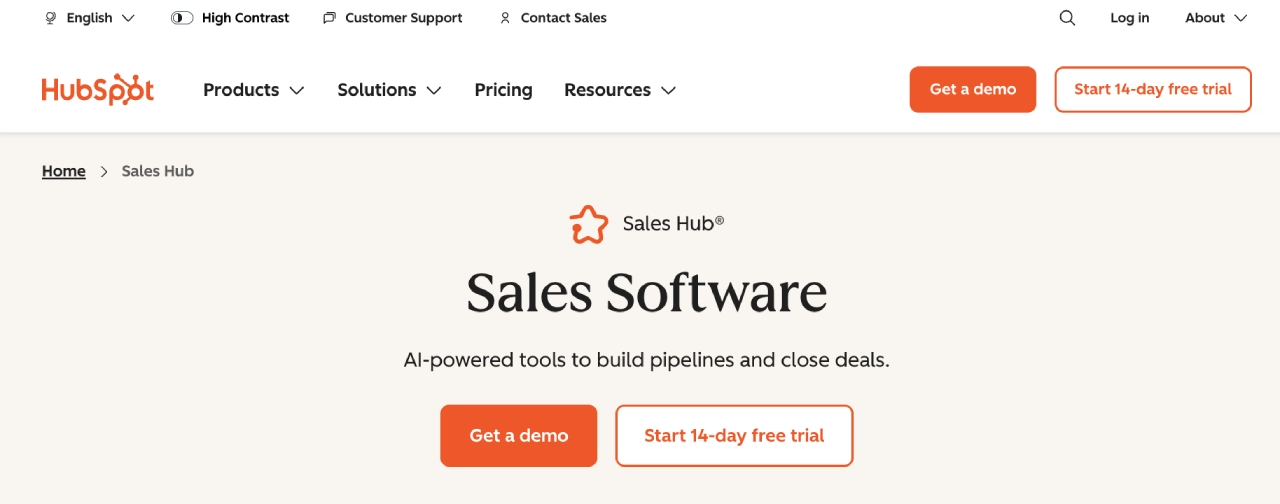
1. HubSpot Sales Hub (Best for Scaling Multi-Service Agencies)
HubSpot is the industry standard for a reason. It offers a sophisticated balance of ease-of-use and enterprise-grade depth. With its "Playbooks," advanced reporting, and a massive integration ecosystem, it is ideal for agencies managing multiple service lines that need reliable forecasting and repeatable processes.
2. Pipedrive (Best for Sales-Centric Teams)
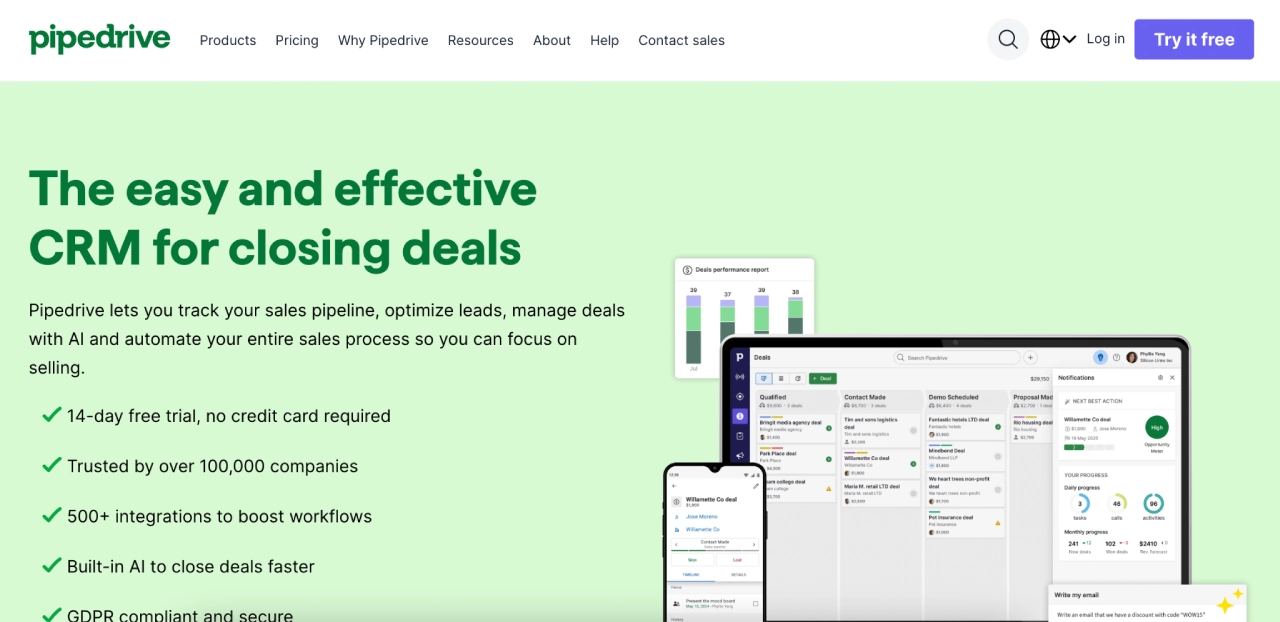
Pipedrive is built around a visual, activity-based pipeline. It is perfect for smaller, agile teams or those with dedicated SDR/BDR motions that prioritize speed and execution over complex, multi-departmental workflows.
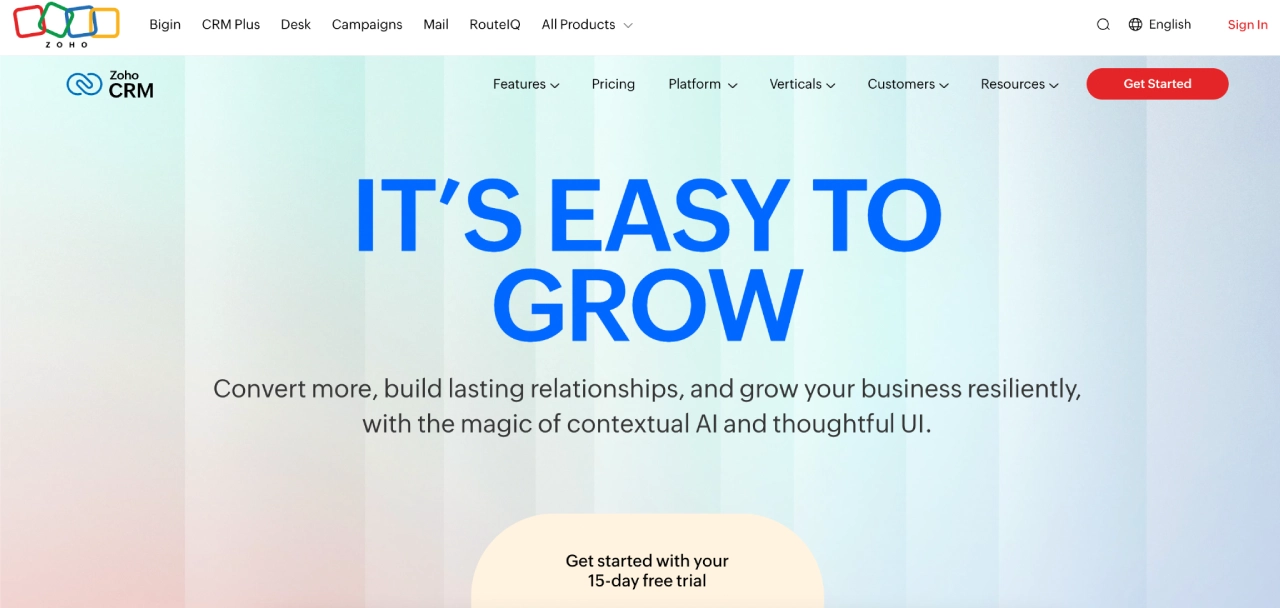
3. Zoho CRM (Best for Customization and Value)
For agencies that require extensive customization without the premium price tag of an enterprise suite, Zoho offers a highly flexible environment. With its "Zia" AI and powerful "CommandCenter" journey orchestration, it allows for deep, bespoke automation.
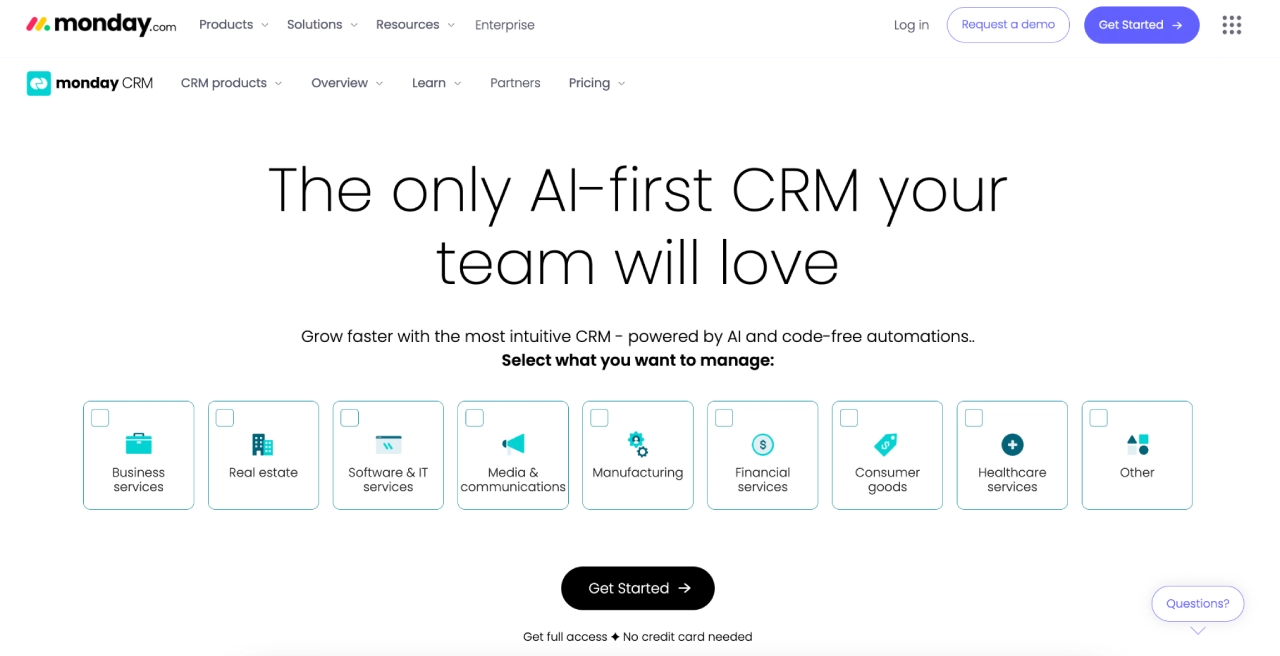
4. monday sales CRM (Best for "Work + CRM" Collaboration)
By building on the monday.com Work OS, this platform allows sales and operations to exist in the same environment. It is the top choice for teams that want to see their sales pipeline side-by-side with their project delivery boards.
5. Productive.io (Best Full "Agency OS")
Productive.io is purpose-built for professional services. It goes beyond a standard CRM by integrating budgeting, resource planning, and profitability tracking. It is the premier choice for agencies looking to connect the dots between sales performance and actual project margins.
The Role of Communication: Leveling Up with Campaign Monitor
Even the most powerful CRM cannot solve the communication gap on its own. Pairing your CRM with Campaign Monitor creates a high-performance ecosystem. While the CRM acts as the "brain" (storing data, stages, and owners), Campaign Monitor serves as the "voice" (executing journeys, templates, and reporting).
The CRM + Campaign Monitor Playbook
- Onboarding: When a deal moves to "Closed-Won," the CRM triggers an automated welcome journey in Campaign Monitor, ensuring the client receives the right information at the right time.
- Weekly Rhythm: Use the CRM to track client health and risk, then use Campaign Monitor to send consistent, professional status updates that keep clients informed and engaged.
- QBR Prep: Use CRM data to trigger a "QBR Preview" email 30 days before the meeting, sharing key metrics and ensuring all stakeholders are prepared for a high-value conversation.
- Renewal Nurture: By flagging accounts with expiring contracts in the CRM, you can trigger a multi-touch nurture sequence in Campaign Monitor to drive renewals.
Identifying Red Flags
Before committing to a multi-year contract, look for these warning signs that a CRM may hinder your growth:
- Lack of Role-Based Permissions: If you cannot granularly control what different team members—or even external collaborators—can see, you are inviting data risk.
- One-Way Integrations: If the CRM requires constant manual data entry or relies on fragile "hacky" workarounds to talk to your project management or accounting software, it is not a solution—it is a bottleneck.
- Volume Caps: Many CRMs look affordable until you reach a certain contact or email send limit, triggering massive, unexpected price hikes.
- Lack of Onboarding Support: If the vendor cannot provide a clear path to migration and team training, your agency will bear the full, costly burden of implementation.
Final Implications: The Path to Predictable Operations
The "best" CRM is not the one with the most features; it is the one that minimizes operational friction. When selecting your tool, prioritize scalability and the ability to maintain a "Single Source of Truth."
- Map your current workflow: Identify the manual steps that occur between a lead coming in and a project being delivered.
- Audit your stack: Determine which tools are essential and which are merely creating "data drift."
- Stress-test: During your free trial, don’t just add a contact. Test your most complex, multi-step process to see if the CRM handles it with grace or requires clunky workarounds.
- Connect: Integrate your communication platform (like Campaign Monitor) early to ensure that your messaging is as professional and consistent as your sales process.
When your CRM handles the heavy lifting of process management and your communication tools ensure consistent, high-quality touchpoints, your agency moves from "reacting to the fire" to "predicting the growth." Choosing the right stack is not merely a technical decision—it is a strategic investment in the longevity and scalability of your firm.
