
Beyond the Hype: How Agencies Can Select a CRM That Actually Scales
For years, the mantra in the agency world has been, "Pick a CRM and the rest will follow." It sounds like a panacea—a central hub where leads bloom into revenue and chaos turns into order. But for many agencies, that dream quickly hits a wall. Onboarding slows to a crawl, pipelines become cluttered, and vital client communication ends up fragmented across a dozen disconnected tools.
The true cost of a poorly chosen CRM isn’t the monthly subscription fee; it is the "hidden tax" of context switching, inconsistent data, and slow handoffs that quietly drain your team’s focus. In 2026, as agency operations grow increasingly complex, selecting the right CRM is less about checking off a list of features and more about building a robust operational foundation.

The Strategic Role of a CRM in Modern Agency Operations
"CRM" is often used as a catch-all term for contact management, but for a high-performing agency, the software must function as an operational spine. In practice, agencies rely on these platforms to do far more than store names and email addresses.
Standardizing the Client Lifecycle
A robust CRM allows agencies to capture leads from intake forms, qualify opportunities, and push them through a standardized onboarding pipeline. This ensures that every client—from their first discovery call to asset collection and campaign kickoff—receives a consistent, professional experience.
Closing the Sales-to-Delivery Gap
One of the most common points of failure in an agency is the handoff between the sales team and the account management team. A superior CRM keeps scopes, expectations, and historical communication in one place. By centralizing this data, the delivery team isn’t left guessing what was promised during the sales process, preventing the dreaded "scope creep" and misalignment.
Data-Driven QBRs and Renewals
Quarterly Business Reviews (QBRs) should be high-value strategic sessions, not data-wrangling exercises. A well-configured CRM pulls pipeline health, campaign performance, and activity data into reusable, refined dashboards. This allows account managers to focus on strategy rather than spending hours rebuilding reports every quarter.
Chronology of CRM Evaluation: A Step-by-Step Approach
To avoid the common trap of choosing a "shiny object" that doesn’t fit your business, agencies should follow a structured evaluation timeline:
- Audit (Weeks 1-2): Map your current workflow. Identify where your team spends the most time on manual data entry and where communication bottlenecks occur.
- Define (Week 3): Establish your "Must-Haves" based on the 4C Model (Clarity, Collaboration, Customization, Connectivity).
- Stress-Test (Weeks 4-6): Use the free trials provided by top vendors. Do not just look at the dashboard; attempt to build a real-world project handoff or a renewal sequence.
- Integration Mapping (Week 7): Ensure your CRM communicates seamlessly with your existing stack—specifically your email marketing platform, billing software, and project management tools.
Supporting Data: The 2026 Agency CRM Landscape
When selecting a platform, it is helpful to look at the market leaders categorized by their core strengths:
| CRM | Best For | Key Strength |
|---|---|---|
| HubSpot Sales Hub | Scaling multi-service agencies | Deep automation & reporting |
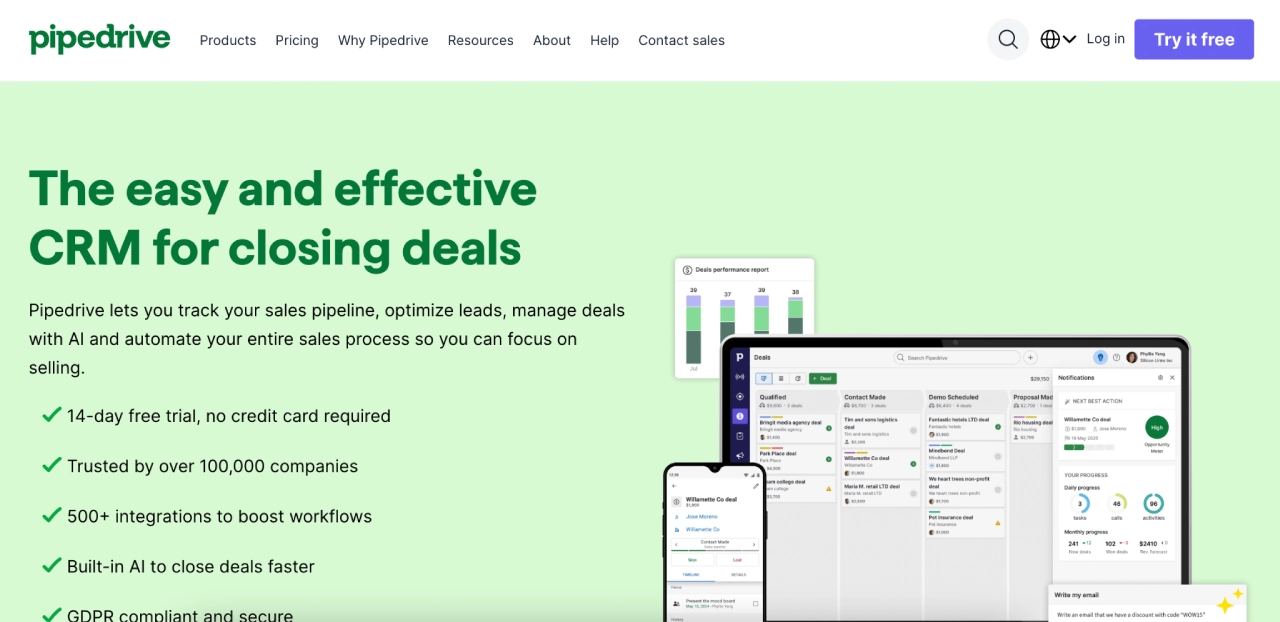
| Pipedrive | Sales-centric teams | Visual, friction-free pipelines |
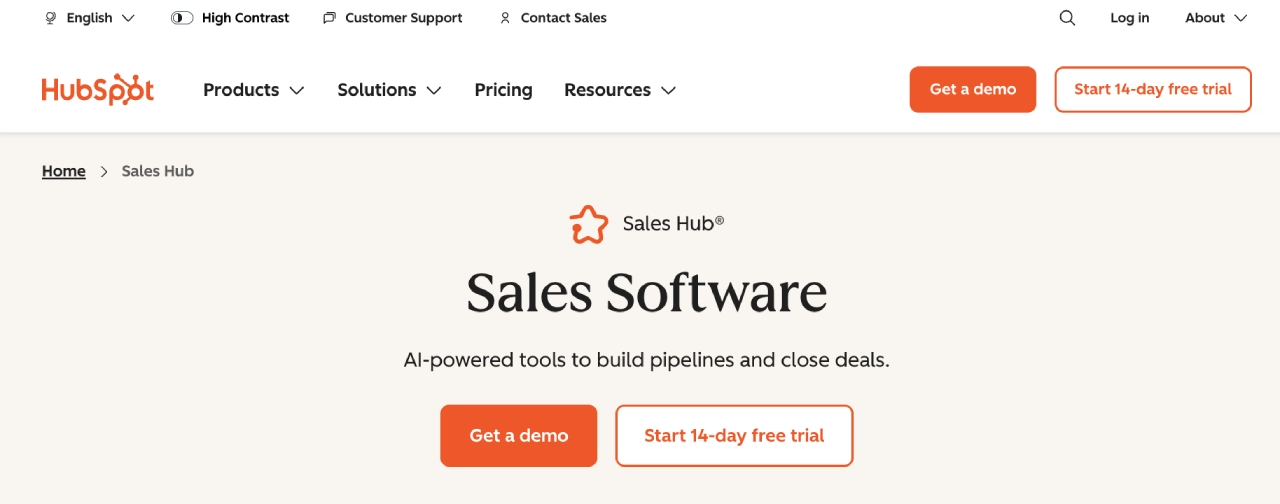
| Zoho CRM | Value & deep customization | AI (Zia) and high flexibility |
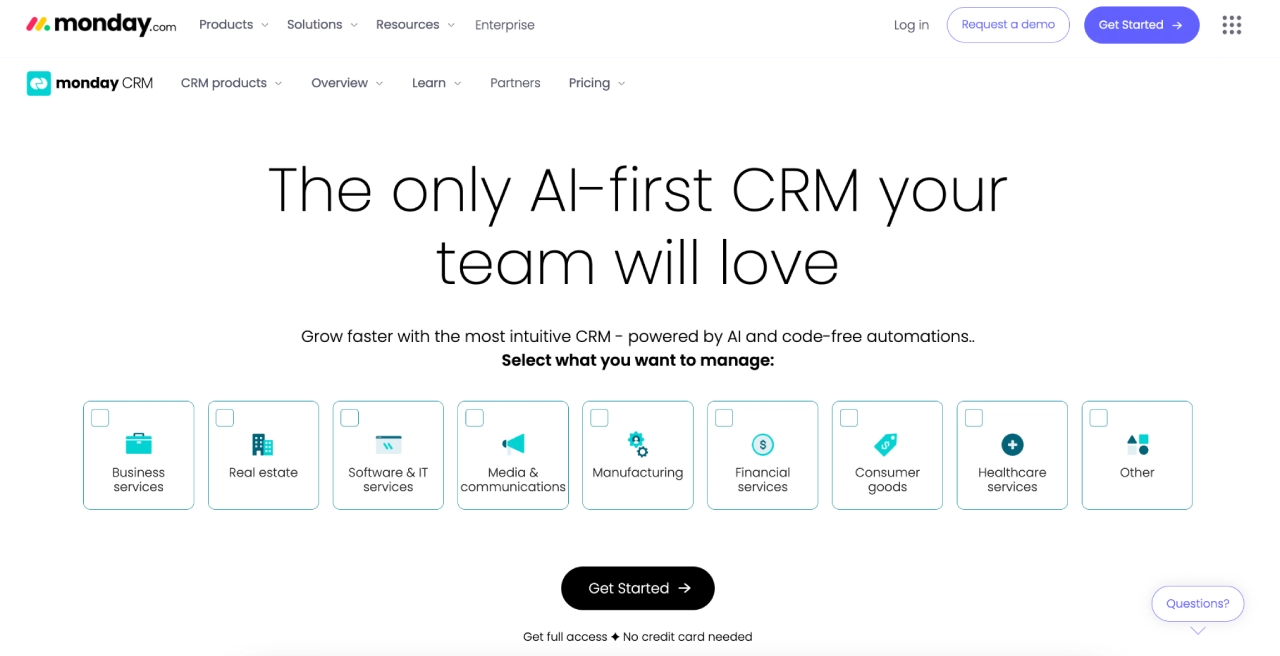
| monday sales CRM | Work + CRM alignment | Cross-functional collaboration |
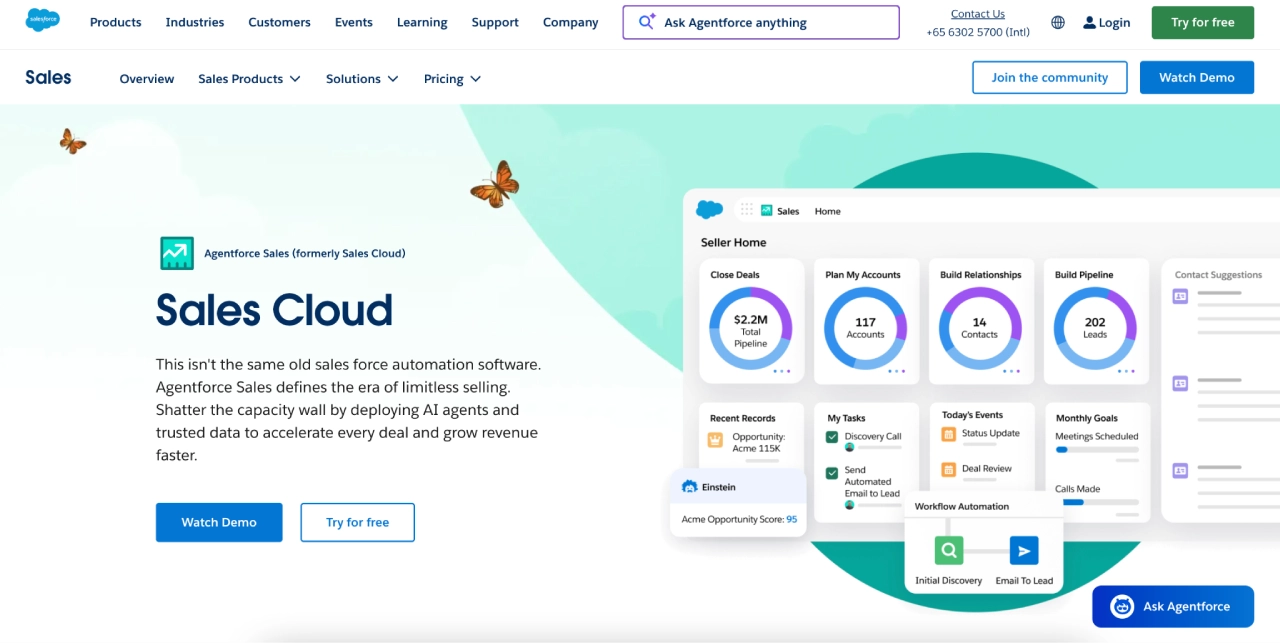
| Salesforce | Complex enterprise ops | Unlimited scalability & governance |
(Note: These rankings reflect current industry performance as of early 2026.)
Official Perspectives: The Value of Integrated Stacks
Industry leaders consistently emphasize that a CRM is only as good as its integrations. Stuart S., an owner and digital strategist, notes: "We manage over 40 clients within Campaign Monitor. It has saved us considerable time spent duplicating and monitoring campaigns across the country. I’m a fan of the flexible models… and the Canvas builder automatically resolves most of the issues we have with mobile displays."
The consensus is clear: the CRM is your System of Record, but your communication platform (like Campaign Monitor) is your System of Engagement. When these two are connected, you can automate renewal sequences, trigger onboarding journeys based on CRM stage changes, and ensure brand consistency across every client account.
The 4C Agency CRM Evaluation Model
To ensure you are making a long-term investment, score potential vendors against the 4C model. Aim for a score of 16 or higher to ensure the tool can scale with you.
1. Clarity
Does the system provide an instant "pulse" of the business? Can a new account manager look at a client’s profile and understand their history, risk level, and current project status within seconds?
2. Collaboration
Does the tool support granular permissions? You need to ensure that internal team members have access to the right data, while potentially limiting access for contractors or sensitive client-side views.

3. Customization
Can you tailor the CRM to your specific service lines? Whether you specialize in SEO, creative design, or paid media, the pipeline should reflect your reality, not a generic "sales" template.
4. Connectivity
Does it play nice with others? A CRM that lives in a silo is a liability. It must integrate with your email marketing tools, billing systems, and project management software to prevent "data drift."
Implications: Avoiding the "Red Flags" of CRM Adoption
Agencies often fall for the "demo trap," where a platform looks flawless in a controlled environment but fails under the weight of real-world agency pressure. Watch out for these warning signs:
- Weak Role-Based Permissions: If you cannot easily segregate data, you are opening yourself up to security risks and operational clutter.
- Volume Caps: Ensure the platform’s pricing tiers do not penalize you for success. If your contact limits are tied to arbitrary "send caps," your growth will become unnecessarily expensive.
- The "All-in-One" Illusion: While bundles like EngageBay offer excellent value for smaller teams, ensure that your team will actually use the extra modules. A suite is only efficient if the team adopts the entire stack.
- Migration Difficulty: If a vendor doesn’t have a clear path for data migration and onboarding, be prepared to spend weeks—or months—in technical debt.
Final Takeaways: Integrating CRM and Communication
The final piece of the puzzle is how you communicate. By using your CRM as the source of truth (tracking stages, owners, and renewal dates) and Campaign Monitor for the actual delivery of emails, you create a powerful, automated loop.
The "Gold Standard" Playbook:
- Onboarding: Trigger a welcome journey the moment a deal moves to "Closed-Won."
- Weekly Rhythm: Use CRM status fields to populate consistent, professional weekly status emails sent via your marketing platform.
- QBR Prep: Use CRM reports to trigger an automated email 30 days prior to a QBR, inviting the client to review their metrics and confirm a meeting time.
- Renewal Nudges: Use engagement data (email clicks, logins) to segment clients at risk of churn, then trigger a targeted nurture sequence.
When your CRM handles the workflows and your communication stack handles the outreach, your agency gains the one thing every founder craves: predictability. By focusing on these core capabilities, you stop fighting your tools and start focusing on what really matters—delivering exceptional results for your clients.
Disclaimer: This article is intended for informational purposes only and does not constitute financial, legal, or tax advice. Agencies should consult with their internal operations leaders or specialized consultants before migrating critical business infrastructure.
