
Shopify vs. Google Sites: The Ultimate Showdown for Digital Dominance
Introduction: Two Titans of Very Different Worlds
When businesses embark on the journey of establishing a digital footprint, choosing the right foundational tool is paramount. Two platforms frequently surface in preliminary discussions, yet they occupy entirely different universes: Shopify and Google Sites. While both allow users to assemble pages viewable on a web browser, that is where the functional overlap abruptly ends.
Following hundreds of hours of rigorous, hands-on testing by digital commerce analysts who put both tools through their paces, a stark reality has emerged. Shopify stands as the undisputed champion for anyone intending to conduct e-commerce. Conversely, Google Sites occupies a narrow, specific niche: it makes practical sense exclusively for individuals and organizations needing a free, basic, text-and-media site completely devoid of a transactional storefront.
This comprehensive analysis deconstructs why Shopify overwhelmingly outperforms Google Sites for commercial applications, contrasting the two across financial investment, sales capability, aesthetic design, search engine optimization (SEO), and usability. Furthermore, we will explore the rare scenarios where Google Sites serves as the genuinely smarter choice.
Quick Comparison: Shopify vs. Google Sites
To establish a clear baseline of features and operational targets, the following data highlights the core metrics of both platforms:
| Aspect | Shopify | Google Sites |
|---|---|---|
| Core Purpose | Full-scale e-commerce platform for selling physical/digital products and services. | Simple site builder designed for informational hubs, intranets, and internal documentation. |
| Pricing Structure | $29 to $299/month (billed annually); enterprise options significantly higher. | Completely free; custom domain setup via Google Workspace starts at $7/user/month. |
| E-Commerce Mechanics | Native catalog, shopping cart, secure checkout, payment gateway, inventory management. | Non-existent natively; relies entirely on external embeds, links, or third-party buttons. |
| Apps & Integrations | 12,000+ third-party apps; multichannel selling across Google, YouTube, and social media. | Strictly limited to Google Workspace embeds (Docs, Sheets, Forms, Calendar). |
| Design Flexibility | Professional theme marketplace; deep code access via Liquid, HTML, and CSS. | A handful of basic, minimalist templates with heavily restricted visual customization. |
| SEO Architecture | Fully editable meta tags, integrated blogging, structured data schema, advanced app support. | Basic meta settings, cumbersome blogging, zero schema control. |
| Customer Support | 24/7 live chat availability paired with extensive technical documentation. | Standard help documentation and community-driven user forums only. |
| Ideal User Profile | Online retailers, Direct-to-Consumer (DTC) brands, omnichannel sellers, and growth enterprises. | Internal corporate intranets, classrooms, project hubs, and simple informational brochures. |
1. Financial Investment: The Cost of Doing Business
The Google Sites Value Proposition
If sticker price is the sole metric for evaluation, Google Sites wins without breaking a sweat. The website builder and underlying cloud hosting are completely free with any standard Google account. There are no subscription tiers, monthly maintenance fees, or hidden transaction tolls to navigate.
The solitary financial hurdle emerges if a user desires a professional custom domain and business-grade administrative tools. Securing a custom domain typically runs between $10 and $20 annually. If professional corporate email accounts and centralized administrator controls are required, a Google Workspace subscription is necessary. Workspace Business Starter runs approximately $7 per user per month under an annual commitment, or $8.40 per user per month with flexible billing terms.
The Shopify Investment Model
Shopify, conversely, operates as a paid subscription platform from day one. Its foundational tiered pricing model includes:
- Basic Shopify: Aimed at solo entrepreneurs and small startups.
- Shopify (Standard): Built for growing businesses expanding their team and inventory.
- Shopify Advanced: Engineered for high-volume operations requiring advanced reporting.
Additional options include a $5/month Starter plan optimized for social media and direct-link selling, alongside Shopify Plus, an enterprise solution starting around $2,300 per month. New merchants can test the waters via a three-day trial, frequently supplemented by introductory promotions offering the first three months for $1 per month on annual commitments.
The Verdict on Pricing
Google Sites is vastly cheaper by any financial measure. However, this comparison inherently weighs the cost of a tool capable of generating revenue against one that is fundamentally incapable of it. Shopify’s monthly fee purchases a complete operational infrastructure—checkout systems, payment routing, inventory tracking, and order fulfillment—that Google Sites simply cannot match at any price point.
2. E-Commerce Capabilities: Where Shopify Reigns Supreme
The ability to process financial transactions is the ultimate dividing line between these two platforms. Shopify is engineered specifically as a world-class e-commerce engine, whereas Google Sites offers zero native transactional architecture.
Sales and Catalog Management
With Shopify, store operators receive comprehensive catalog management out of the box. This includes complex product variants, multi-location inventory tracking, digital downloads, subscription services, sophisticated discount engines, and automated abandoned cart recovery on every core plan. Furthermore, Shopify Magic—the platform’s integrated artificial intelligence suite—generates SEO-optimized product descriptions and marketing copy directly inside the user dashboard.
Google Sites offers none of these tools. There is no shopping cart, no secure checkout sequence, and no structured product database. During comprehensive testing, the closest workaround involved constructing static product pages utilizing basic images and text blocks, followed by manually hyperlinking out to external payment processors or embedding third-party "Buy" buttons. Ironically, a common workaround among tech-savvy users is embedding Shopify Buy Buttons directly into a Google Sites page—a testament to which platform is doing the heavy lifting.
Payment Processing Ecosystem
Shopify natively supports more than 100 global payment gateways, including digital wallets like Apple Pay, Google Pay, and PayPal, alongside its proprietary gateway, Shopify Payments. Utilizing Shopify Payments eliminates the extra penalty transaction fees that Shopify levies when external gateways are deployed.
Google Sites provides zero payment processing capabilities. Every financial transaction must occur entirely off-site.
The App Ecosystem
Shopify’s dedicated App Store hosts more than 12,000 third-party integrations. These extensions cover dropshipping, print-on-demand logistics, customer reviews, dynamic upsells, and shipping automation. While advanced apps often carry distinct monthly subscription fees, the sheer breadth of functionality is unmatched in the industry.
Google Sites does not feature an independent app marketplace. Its extensibility is restricted strictly to embedding native Google Workspace elements—such as Google Docs, Sheets, Forms, and Calendars—plus rudimentary third-party widgets via custom HTML embed code.
3. Marketing Architecture and Search Engine Optimization (SEO)
A magnificent online storefront is entirely useless if prospective buyers cannot locate it. Consequently, integrated marketing and SEO capabilities are critical evaluation metrics.
Marketing Tools
Shopify seamlessly bridges your inventory with social media ecosystems like Instagram and TikTok. The official Google & YouTube app syncs product feeds directly to Google Merchant Center, powers Performance Max advertising campaigns, and unlocks YouTube Shopping. Additionally, Shopify Email empowers merchants to design, execute, and track email campaigns directly from the admin interface.
Google Sites possesses virtually no built-in marketing infrastructure. It lacks native email marketing utilities, social selling integrations, and advertising management pipelines, requiring users to rely on disconnected external tools.
Search Engine Optimization (SEO)
Shopify equips merchants with editable title tags, meta descriptions, clean URL structures, a built-in blogging platform, and structured data schema injection via themes and apps. In an era where AI-driven search experiences dictate digital visibility, deep internal linking and rich content hubs are vital for ranking success. Shopify’s robust Content Management System (CMS) facilitates this effortlessly.
Google Sites manages only the absolute basics: pages are mobile-responsive by default, and rudimentary meta information can be adjusted. However, there is no native schema control, blogging is clunky and rigid, and rigid layout constraints prevent the creation of comprehensive topical content hubs. Simply being a Google product yields zero inherent SEO ranking advantages for Sites pages.
4. User Experience and Operational Ease
The Simplicity of Google Sites
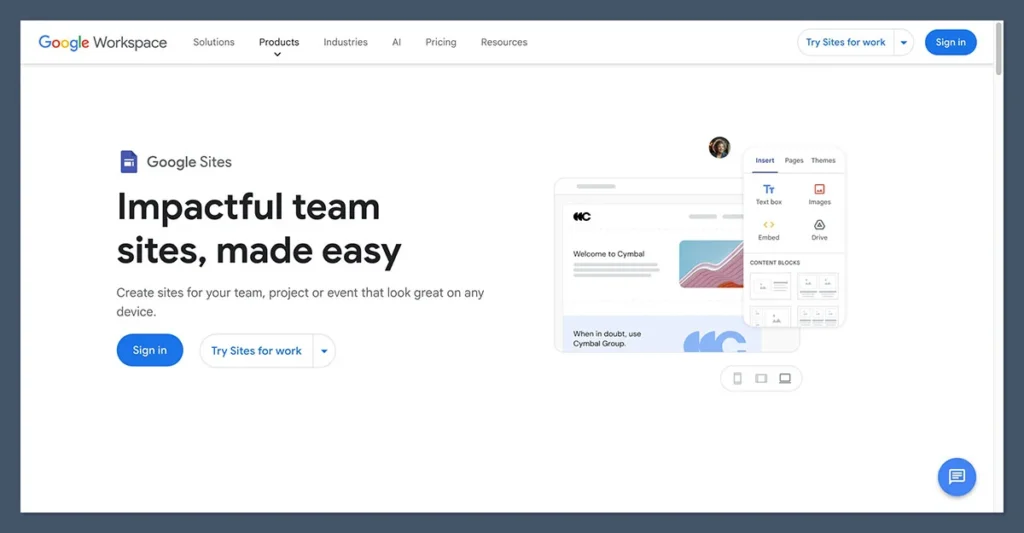
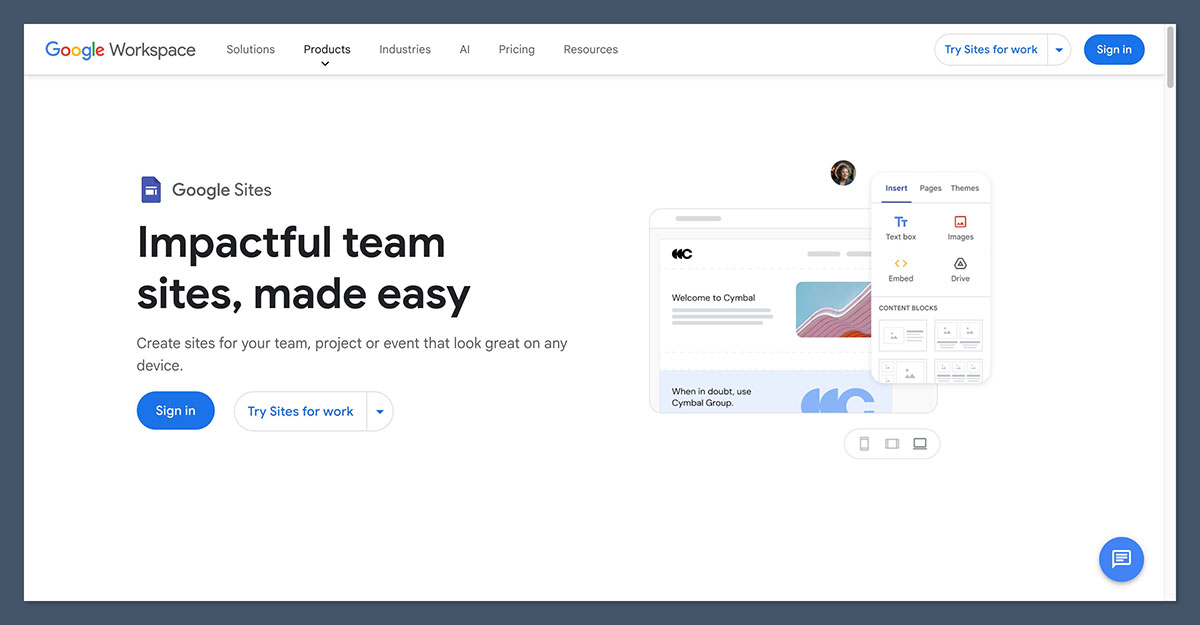
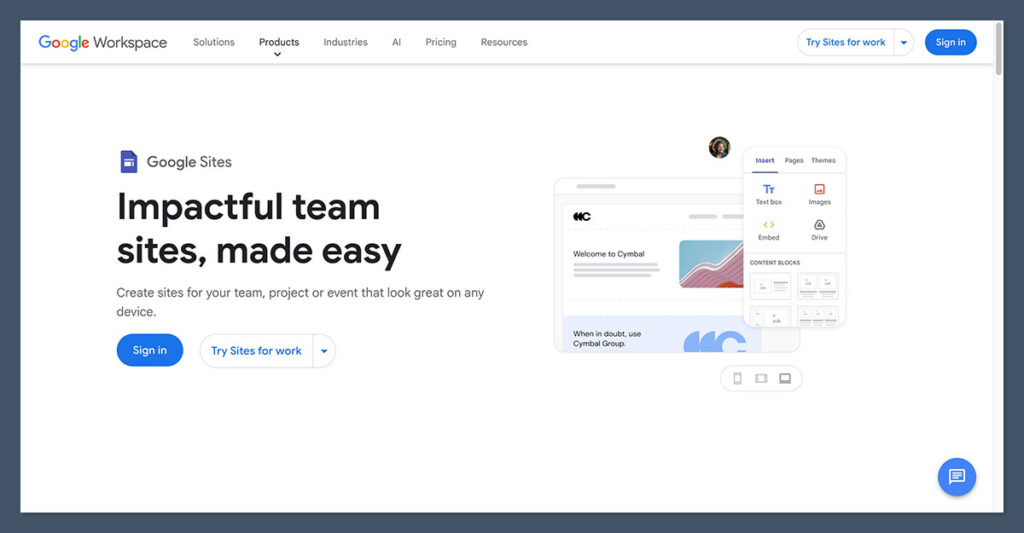
This is the category where Google Sites earns unreserved praise. It stands out as one of the most frictionless website builders available. The visual drag-and-drop editor is intuitively familiar to anyone who has utilized Google Docs, allowing users to publish a clean, presentable page within minutes. There is no complex server configuration, no hosting architecture to manage, and collaboration operates identically to Google Drive, offering real-time multi-user editing and granular sharing controls.
The Practical Complexity of Shopify
Shopify is user-friendly for what it fundamentally is: an enterprise-grade commercial operating system. Onboarding guides merchants through a systematic setup checklist covering catalog population, tax jurisdictions, shipping zones, and payment gateway activation. While the section-based theme editor is straightforward once mastered, new users should anticipate a measurable learning curve.
Ultimately, Google Sites is effortless precisely because it performs very few complex tasks. If the primary objective is a static informational page, that simplicity is a major asset. If the objective is running a commercial enterprise, Shopify’s added complexity is simply the mandatory price of necessary functionality.
5. Design Aesthetics and Template Customization
Shopify’s Professional Storefronts
Shopify’s official Theme Store provides a diverse portfolio of professionally crafted templates organized by industry verticals. Free themes offer a stellar starting point, while premium templates range from $100 to $500 as a one-time investment. Every theme is fully malleable via a modular, section-based visual editor, and front-end developers can leverage Liquid, HTML, and CSS to construct entirely bespoke brand experiences.
Google Sites’ Minimalist Constraints
Google Sites offers a very limited selection of clean, minimalist templates. While visually tidy, customization is heavily restricted: layout options are rigid, control over typography and spacing is minimal, and a comprehensive styling engine does not exist. Consequently, nearly every Google Sites page retains a distinct, homogenous "Google Sites look."
For an internal corporate wiki or a classroom portal, this uniformity is harmless. For a commercial brand attempting to cultivate consumer trust and emotional resonance, these design limitations are severe bottlenecks.

6. Customer Support Infrastructure
- Shopify Support: Merchants benefit from 24/7 live chat availability, a comprehensive ticket system, telephone call-back options on higher tiers, and an immense repository of documentation, community forums, and masterclass courses.
- Google Sites Support: Free Google Sites users are entirely self-reliant, restricted solely to static help center documentation and peer-driven community help forums without direct access to technical customer service representatives.
When Google Sites Is Actually the Right Choice
To maintain analytical fairness, Google Sites was never designed to rival dedicated e-commerce platforms. There are specific, narrow operational scenarios where it remains the superior tool:
- Internal Company Intranets: Centralizing HR policies, employee handbooks, and team resources safely behind corporate permissions.
- Educational Portals and Classrooms: Educators sharing syllabi, homework assignments, and reading lists with students.
- Project Documentation Hubs: Engineering or creative teams tracking internal milestones, roadmaps, and meeting notes.
- Zero-Budget Informational Pages: Individuals or hobbyists needing a static digital business card or event page without financial overhead.
If an organization’s requirements align with these use cases, Google Sites is free, fast, and entirely adequate. The moment financial transactions enter the equation, however, it ceases to be a viable solution.
Our Testing Methodology
To deliver objective insights, our research team evaluates website builders and e-commerce platforms using a rigorous, weighted assessment framework across seven distinct operational pillars:
- Sales Features (40% Weight): Comprehensive evaluation of native commerce mechanics, inventory control, and checkout security.
- Website Features (15% Weight): Assessment of foundational site-building capabilities, blogging tools, and SEO architecture.
- Help and Support (12% Weight): Availability and responsiveness of support channels and documentation.
- Design Functionality (10% Weight): Variety, aesthetic quality, and customization depth of available templates.
- User Experience (10% Weight): Hands-on testing of ease of use, onboarding fluidity, and administrative navigation.
- Customer Score (8% Weight): Market sentiment, brand reputation, and competitive positioning.
- Value for Money (5% Weight): Price-to-feature ratio across pricing tiers.
Both Shopify and Google Sites underwent exhaustive, first-hand evaluations under this framework to guarantee verified accuracy.
Conclusion and Final Verdict
For any individual, brand, or enterprise intending to sell products or services online, Shopify is the definitive winner. It delivers a complete commercial infrastructure featuring native secure checkout, over 100 payment gateways, conversion-optimized themes, and an extensive application marketplace exceeding 12,000 third-party extensions. Google Sites cannot process a single financial transaction on its own.
Ultimately, platform selection is a matter of aligning the tool with the precise operational objective. Google Sites is a genuinely free, effortlessly simple builder optimized for internal company wikis, classrooms, and basic informational brochures—roles where paying for Shopify is wholly unnecessary. Indeed, some hybrid businesses deploy both: utilizing Google Sites for internal document management, and a dedicated Shopify store to capture consumer revenue.
However, for commercial operations, the decision is clear. Aspiring merchants should leverage Shopify’s trial period, capitalize on introductory promotional pricing, and reserve Google Sites strictly for internal administrative tasks.
