
The Agency Operations Crisis: Why Your CRM Is Either Your Biggest Asset or Your Worst Bottleneck
"Pick a CRM and the rest will follow" is the siren song of agency operations. It sounds logical: choose a platform, migrate your contacts, and watch your efficiency soar. Yet, for thousands of agencies, that decision often marks the beginning of a quiet decline. Onboarding slows down, sales pipelines become tangled, and critical client communications end up siloed in disparate tools.
The real cost of a poorly chosen CRM isn’t the monthly subscription fee—it’s the "operational drag" caused by constant context switching, inconsistent data entry, and slow handoffs. For agencies managing multiple accounts, these inefficiencies drain team morale and client trust. To scale in 2026, agencies must move beyond "contact management" and embrace a CRM that functions as the heartbeat of their service delivery.
The Core Function: What Agencies Actually Need from a CRM
In the agency world, "CRM" is often a misnomer. While traditional businesses use CRMs primarily for sales, agencies require a multi-faceted operational hub. If your current tool doesn’t support the following, it is likely hindering your growth:
- Standardized Client Onboarding: Can you capture deal data from a form and automatically trigger an onboarding pipeline that includes asset collection, kickoff scheduling, and initial campaign setup?
- Sales-to-Delivery Handoffs: The "black hole" between a signed contract and the first project deliverable is where most agencies lose momentum. Your CRM should bridge this gap, ensuring account managers receive all scope details without needing to hunt through Slack DMs or email threads.
- Capacity and Revenue Forecasting: Can you see which services are driving growth and which are draining resources? A robust CRM provides a bird’s-eye view of team utilization and client risk.
- Institutionalized Reporting: QBRs (Quarterly Business Reviews) should not require a week of manual spreadsheet labor. You need a system that pulls pipeline, performance, and activity data into reusable dashboards.
- Renewal Automation: Relying on a human to "remember" a renewal date is a failure of system architecture. Automated triggers ensure contract end dates and expansion opportunities are always on the radar.
The 2026 CRM Landscape: A Comparative Analysis
To help you navigate the crowded market, we have evaluated the top contenders based on their ability to handle the complex, multi-service workflows inherent to modern agencies.
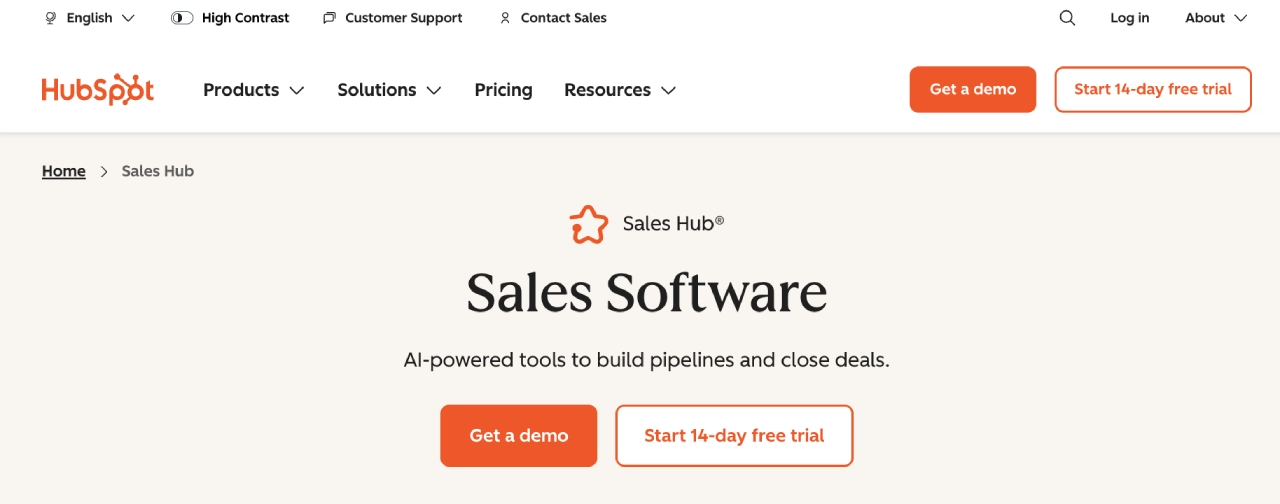
1. HubSpot Sales Hub: The Scaling Powerhouse
HubSpot remains the gold standard for agencies juggling multiple service lines. It balances an intuitive interface with enterprise-level depth. Its "Sequences" and "Playbooks" allow teams to standardize their outreach, while the robust integration ecosystem ensures it plays nicely with the rest of your tech stack.
- Best for: Agencies that need strong automation and reliable forecasting as they grow.
- Pros: Deep reporting, massive integration library, and a clear path for scale.
- Cons: Higher tiers (Professional/Enterprise) come with a significant price tag and require dedicated onboarding.
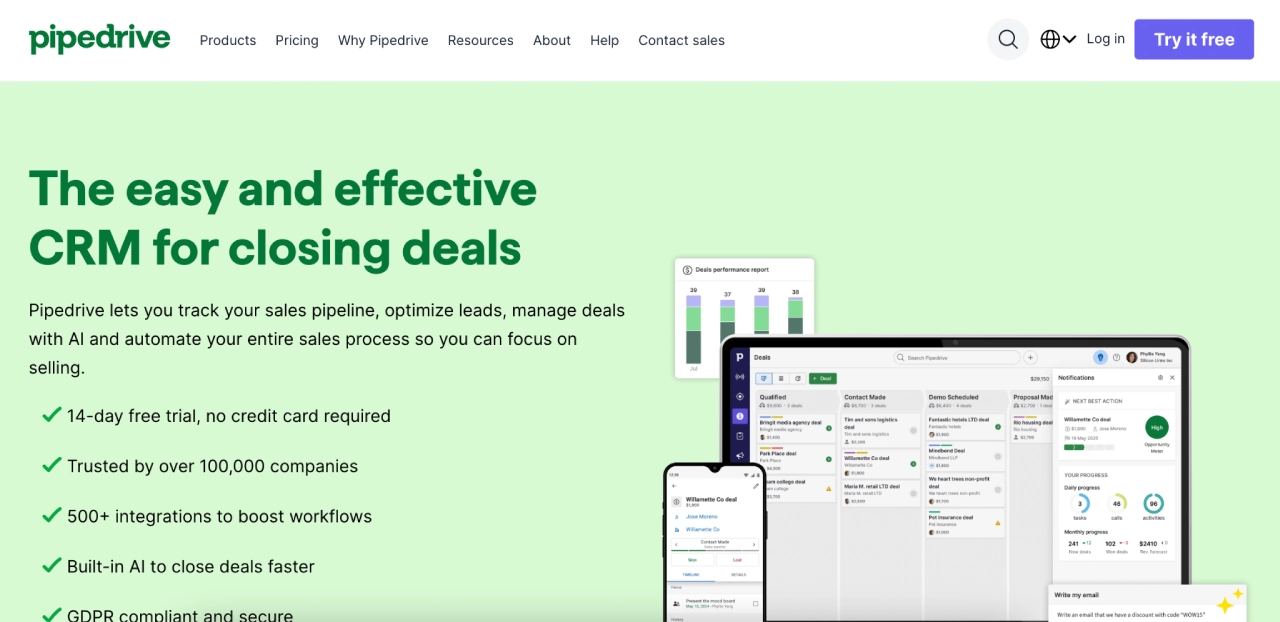
2. Pipedrive: The Sales-Centric Choice
If your agency prioritizes raw sales output, Pipedrive is unparalleled. It is built entirely around a visual pipeline, removing the friction that often plagues more bloated CRMs.
- Best for: SDR/BDR-heavy teams that need a clean, rep-friendly interface.
- Pros: Fast setup, highly visual, and excellent activity tracking.
- Cons: Marketing capabilities are limited; you will likely need third-party tools to handle email journeys.
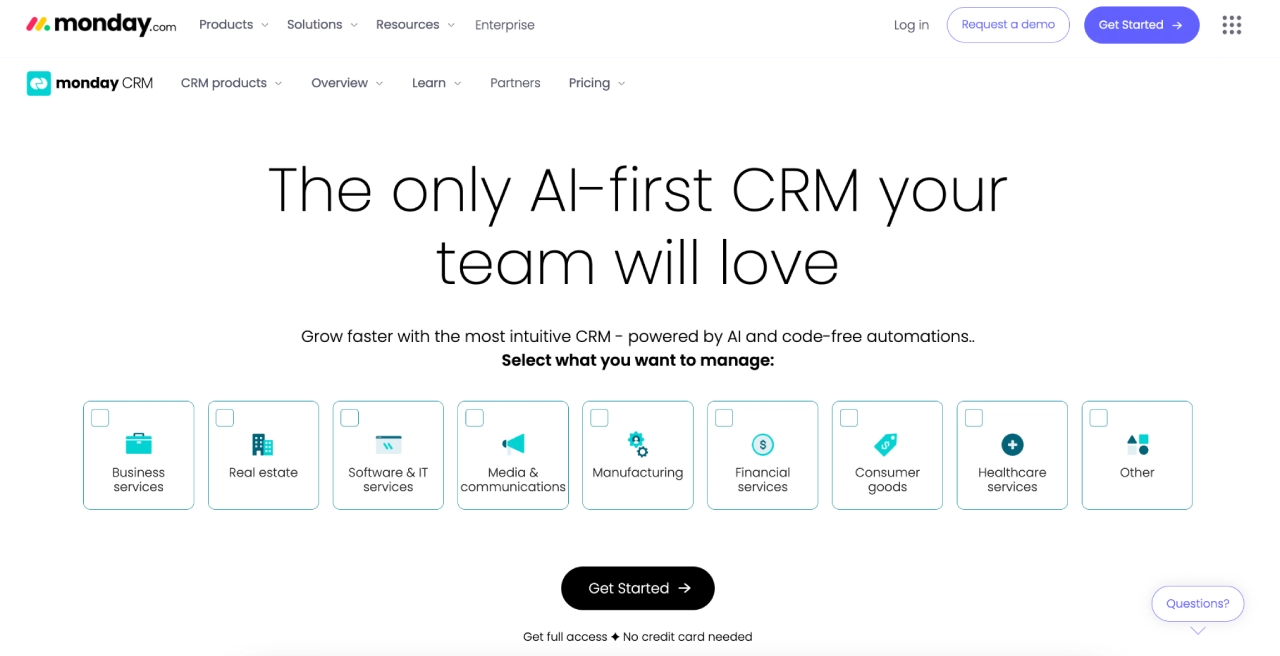
3. monday sales CRM: The "Work OS" Hybrid
By building on the monday.com framework, this CRM allows for unprecedented collaboration between sales, account management, and creative delivery teams within the same interface.
- Best for: Agencies where cross-functional collaboration is a daily requirement.
- Pros: Highly visual, no-code automations, and excellent project management integration.
- Cons: Costs can rise quickly as you add seats and move up to Pro/Enterprise tiers for better automation.
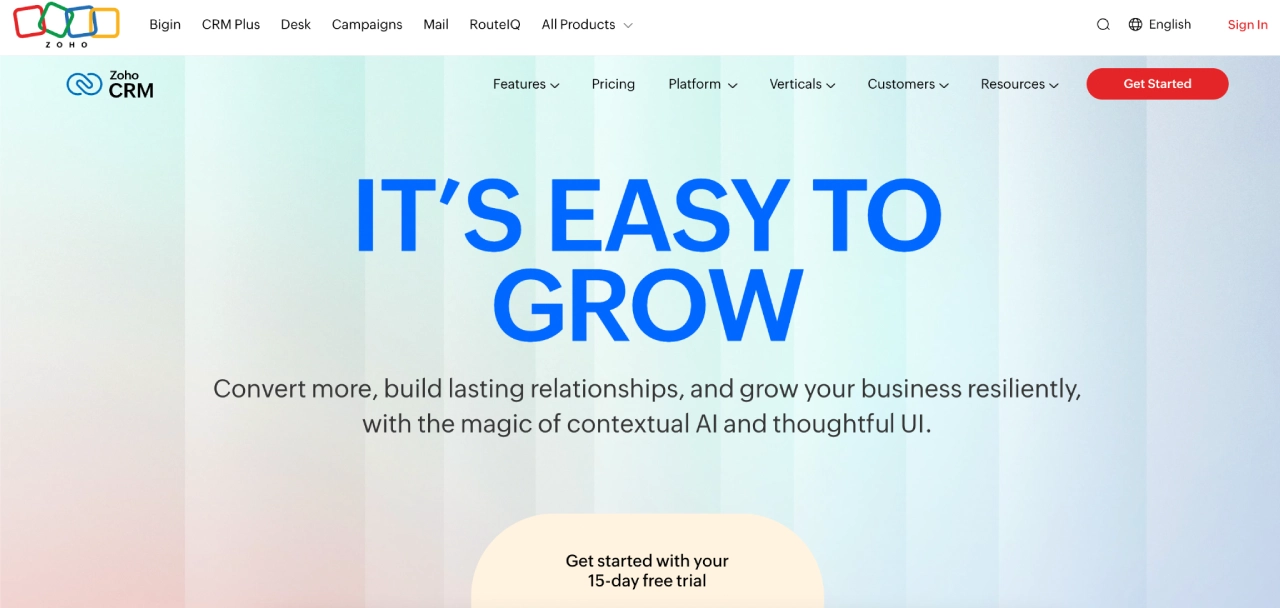
4. Zoho CRM: The Value-Driven Customization King
Zoho offers a staggering amount of power for the price point. With its "CommandCenter" and AI assistant (Zia), agencies can orchestrate complex client journeys without the enterprise price tag of a Salesforce.
- Best for: Mid-sized agencies that want deep customization without breaking the bank.
- Pros: Highly flexible modules and robust AI-driven insights.
- Cons: The interface can feel overwhelming, and the initial setup requires significant time investment.
5. Productive.io: The "Agency OS"
Unlike general CRMs, Productive.io is built specifically for professional services. It treats the CRM as one component of an ecosystem that includes time tracking, resource planning, and profitability reporting.
- Best for: Agencies that want to see the direct correlation between sales activity and bottom-line margins.
- Pros: Connects sales to delivery and profitability metrics seamlessly.
- Cons: Less focus on traditional marketing/lead-gen features compared to HubSpot or Zoho.
The 4C Model: A Framework for Evaluation
When vetting a new system, don’t just look at feature lists. Use the "4C Model" to score potential platforms. If a CRM scores below a 16 out of 20, keep looking.
- Clarity: Is it intuitive for new hires? Can clients see what they need to see?
- Collaboration: Does the tool break down silos, or does it require constant switching to other apps?
- Customization: Can you adapt the CRM to your specific service offerings, or are you forced to fit your agency into their predefined model?
- Connectivity: How deep are the API integrations with your email, billing, and project management tools?
Strategic Implications: Why Pairing Matters
A CRM is only as good as the communication stack it fuels. Regardless of your chosen CRM, pairing it with Campaign Monitor elevates your operations from simple data storage to active client engagement.
While the CRM acts as the "source of truth" (storing stages, owners, and renewal dates), Campaign Monitor serves as the engine for your client communication. By connecting the two, you can trigger automated journeys based on CRM activity:
- Onboarding: When a deal moves to "Closed-Won," the CRM triggers a Campaign Monitor sequence that guides the client through asset collection and kickoff scheduling.
- Weekly Status: Instead of manually writing status emails, use Campaign Monitor templates triggered by CRM status updates to keep clients informed without overhead.
- Renewal Nurture: Use CRM data (usage stats, contract end dates) to enter at-risk clients into a proactive nurture sequence, potentially saving accounts before they even consider churning.
Red Flags: When to Walk Away
Not every "top-rated" CRM is right for an agency. Before committing to a multi-year contract, look for these warning signs:
- Lack of Role-Based Permissions: If you cannot granularly control what a contractor or a client can see, you are inviting security risks and operational clutter.
- One-Way Integrations: If your CRM requires manual CSV exports to talk to your email platform or accounting software, you haven’t bought a solution—you’ve bought a data-entry chore.
- Misaligned Volume Caps: Some CRMs look cheap until you realize their automation limits or contact caps force you into an enterprise tier the moment you onboard your 11th client.
- No Migration Path: If the vendor doesn’t have a clear, documented process for importing your current data, the "implementation period" could drag on for months, effectively pausing your agency’s growth.
Final Takeaways: The Path Forward
The "best" CRM for your agency is not necessarily the one with the most features; it is the one that removes the most friction. For the modern agency, success is built on predictability.

- Audit your current workflow: Identify where the "bottlenecks" live. Are they in reporting? Handoffs? Communication?
- Define your 4C scores: Score your top three CRM candidates using the 4C model.
- Prioritize integration: Ensure your CRM choice integrates natively with your core communication platform, such as Campaign Monitor.
- Start small, scale fast: Don’t attempt a massive, company-wide transition overnight. Pilot your new system with one service line, refine your automations, and then roll it out to the rest of the team.
When your CRM handles the operational heavy lifting and your communication stack handles the client relationship, you stop being a reactive service provider and start being a proactive partner. Choose wisely, integrate deeply, and let your operations become your agency’s greatest competitive advantage.
